
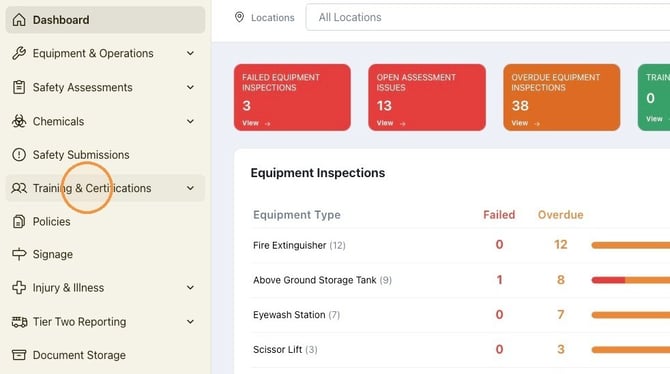
1. Navigate to https://safety.complyauto.com/dashboard and click "Training & Certifications."
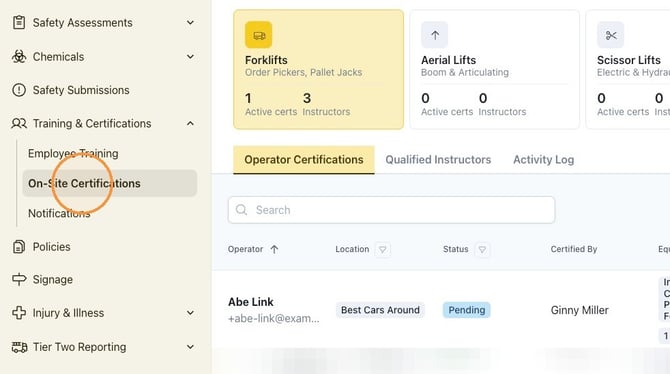
2. Click "On-Site Certifications."
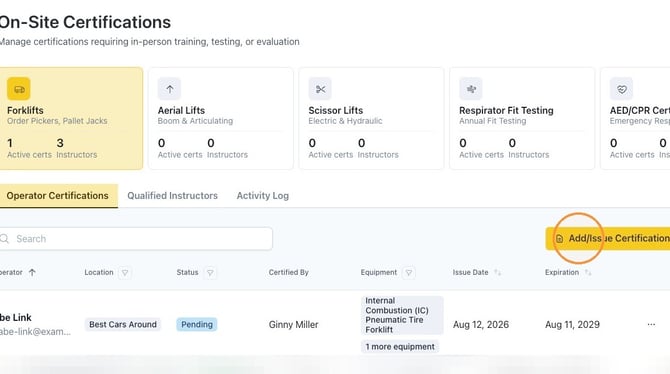
3. Click "Add/Issue Certification."
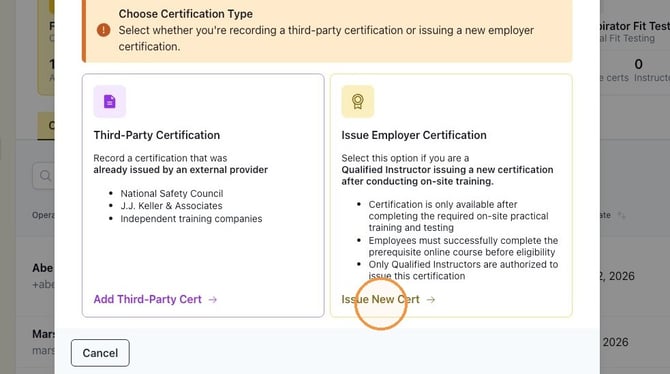
4. If an employee was certified through a third-party, you can record their certification in your Safety dashboard by clicking "Add Third-Party Cert."
Alert! To issue employer certification, please follow the steps outlined in this article: How To Add Third-Party Certifications.
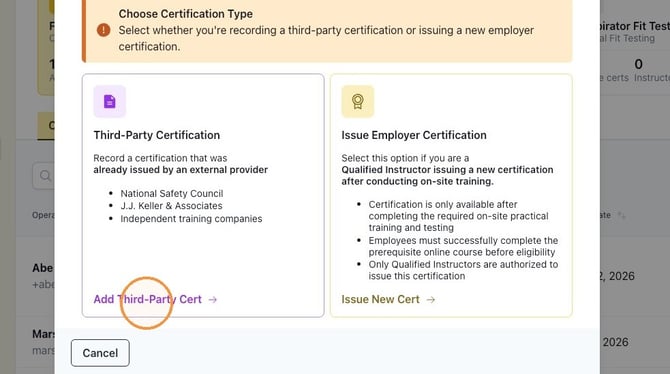
5. To issue a new certification, a qualified instructor clicks "Issue New Cert."
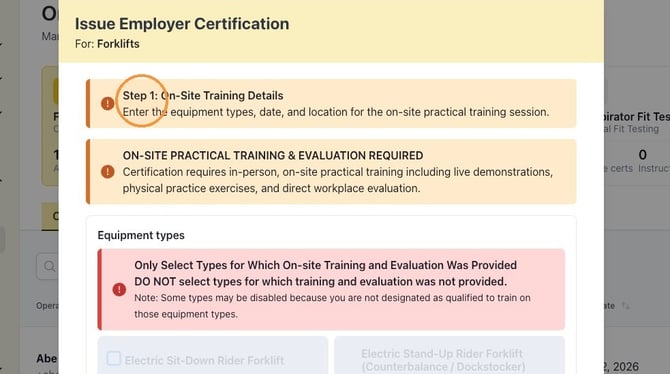
6. Review "Step 1: On-Site Training Details."
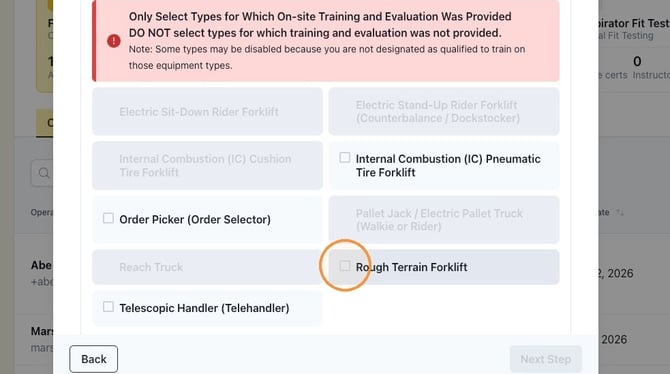
7. Click the appropriate equipment type(s). Click "Next Step."
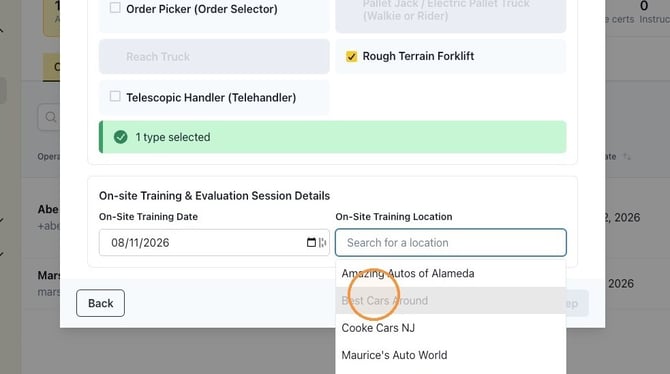
8. Enter the on-site training date by clicking the calendar icon.
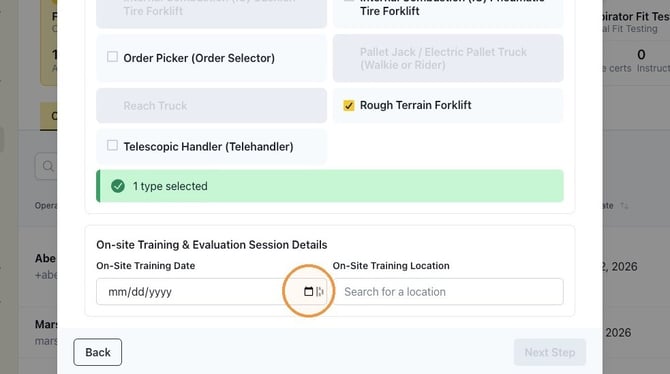
9. Click the "On-Site Training Location" field and select the appropriate location from the drop-down menu. Click "Next Step."
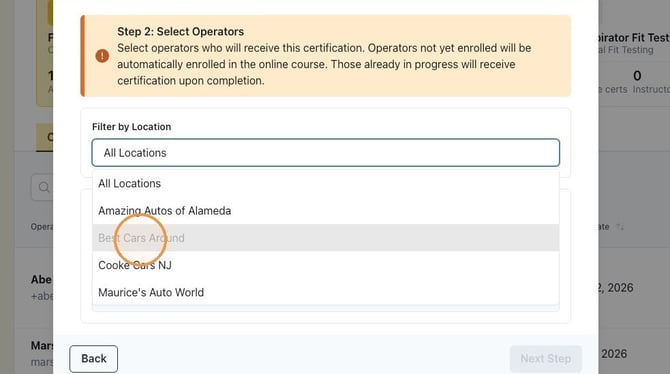
10. Click "All Locations" and select the appropriate location from the drop-down menu.
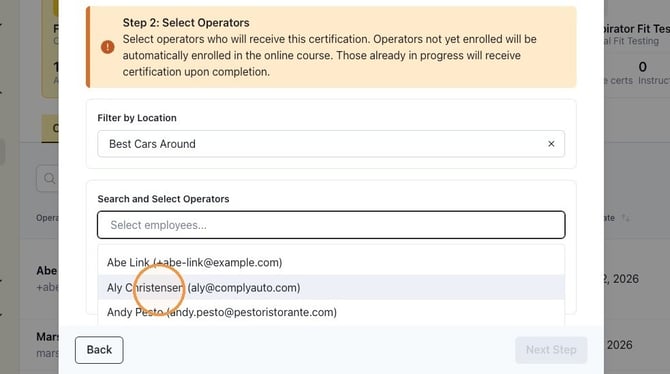
11. Click the Select employees field and choose the appropriate employee from the drop-down list. Click "Next Step."
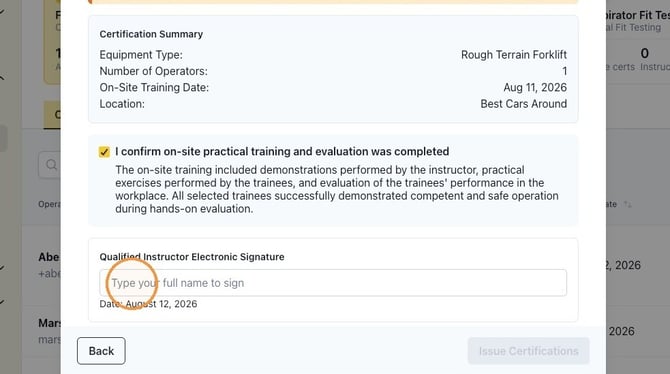
12. Read the confirmation statement and then check the box.
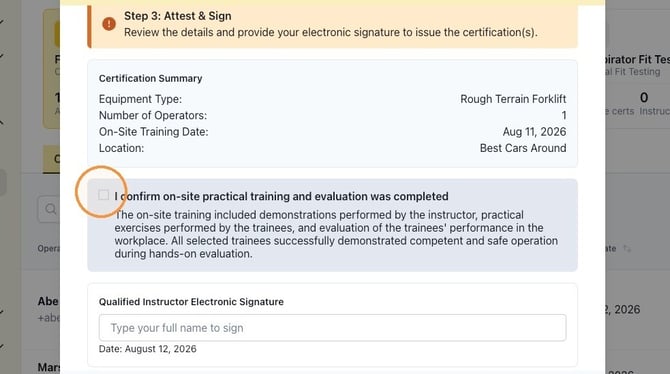
13. Type your name as the qualified instructor electronic signature. Click "Issue Certifications."
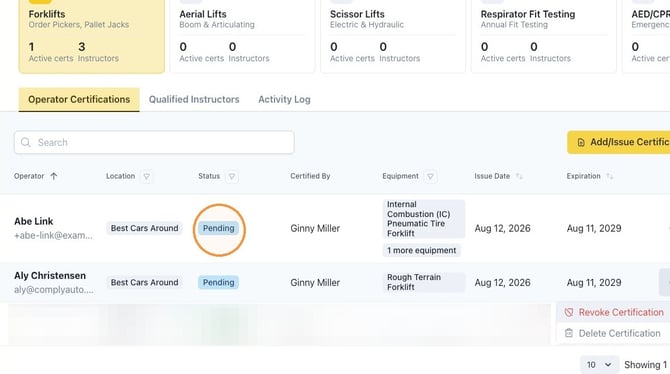
14. At this point, employees are assigned Powered Industrial Truck Formal Training. Their status will show as "Pending" until the training is complete.
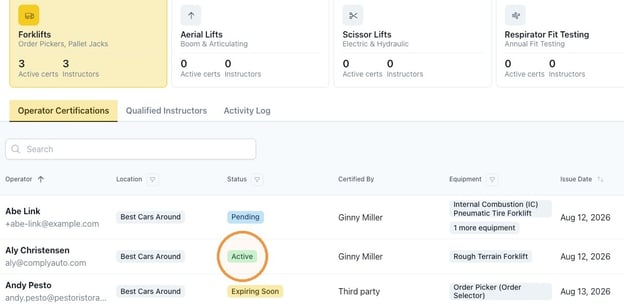
15. Once the training is complete, the status will change to "Active." An email with the training certification card will be emailed to the employee.
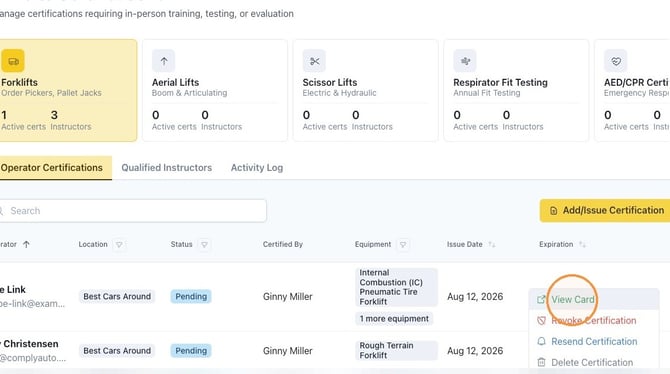
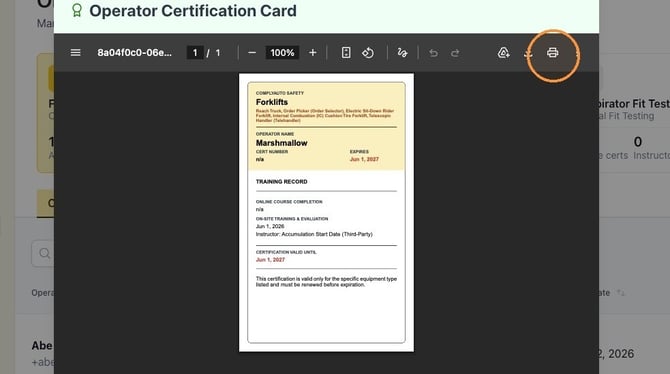
16. Click the three dot icon on the right to "View Card."
You can also revoke the certification, resend the certification, or delete the certification.
17. When you view the card, use the printer icon to print the card or save it as a PDF.
Tip! If you have questions, please reach out to your client success manager or safety specialist.