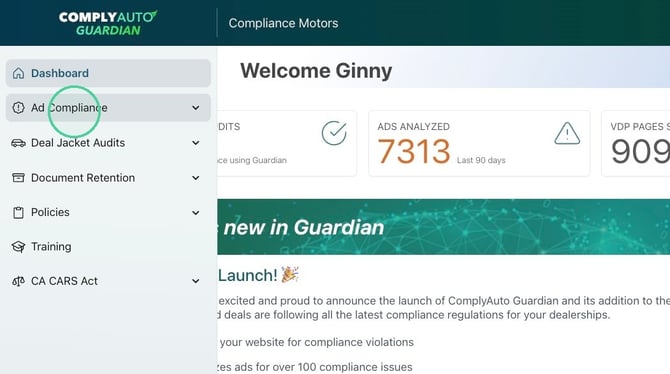
1. Navigate to your Guardian dashboard and click "Ad Compliance."
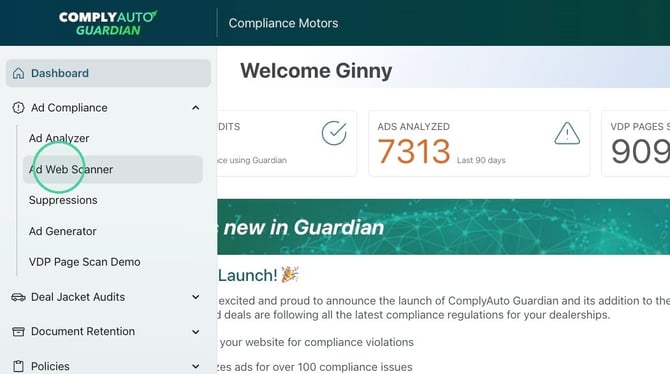
2. Click "Ad Web Scanner."
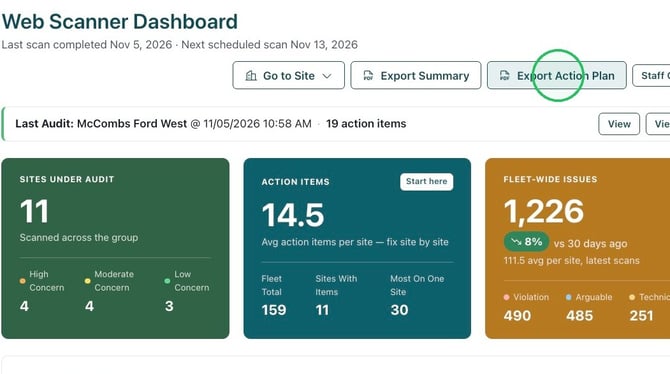
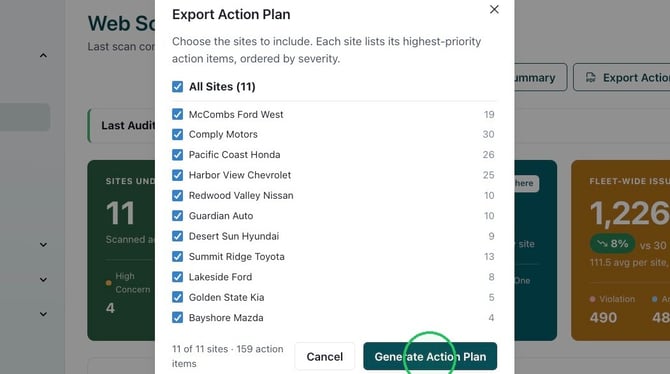
3. To generate a report that summarizes an action plan for all scanned websites, click "Export Action Plan."
4. Check the locations you wish to include and click "Generate Action Plan."
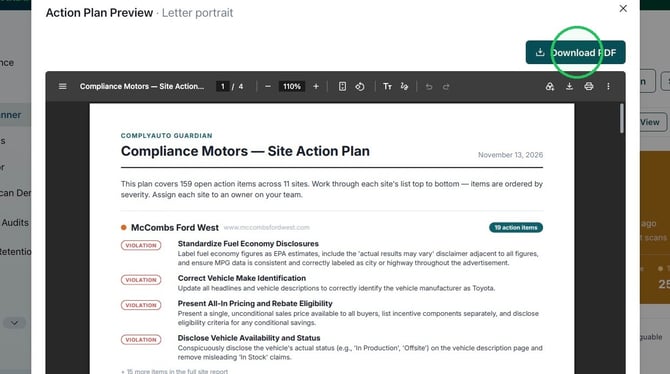
5. Click "Download PDF."
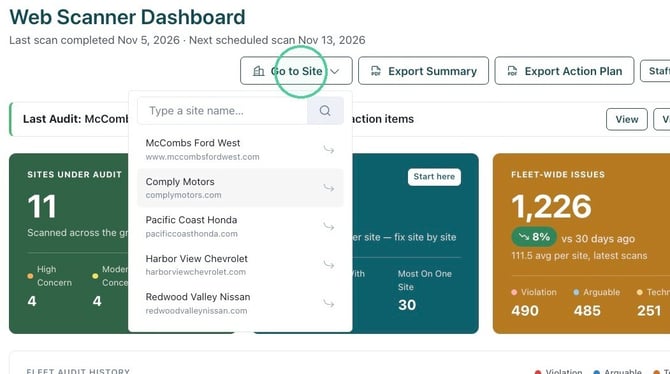
6. To view and download an individual website's action plan, click "Go to Site" from the Web Scanner Dashboard. From the drop-down list, select the desired website.
7. You can view the action plan here.
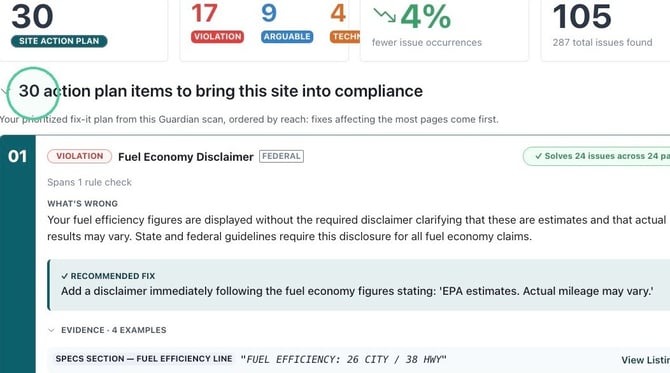
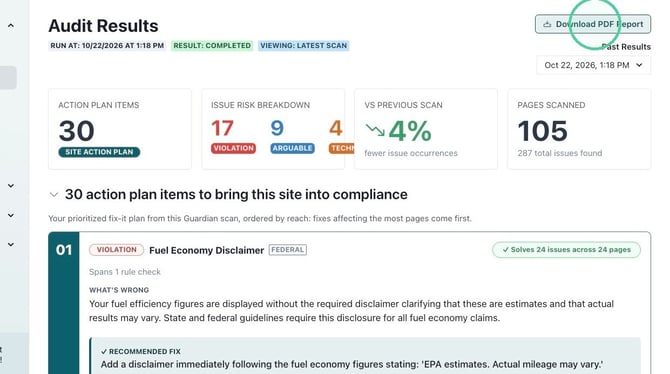
8. To send the action plan to your website provider, click "Download PDF Report."