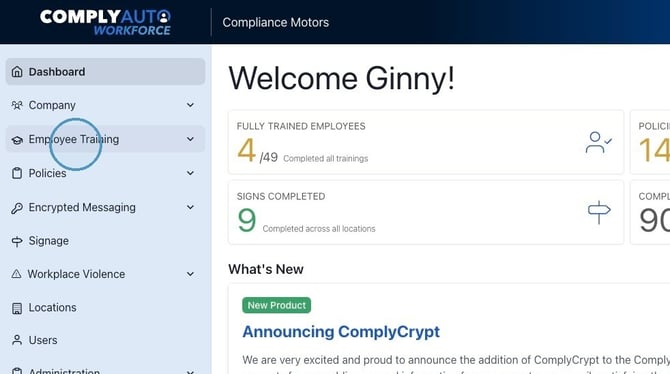
1. Navigate to your Workforce dashboard and click "Employee Training."
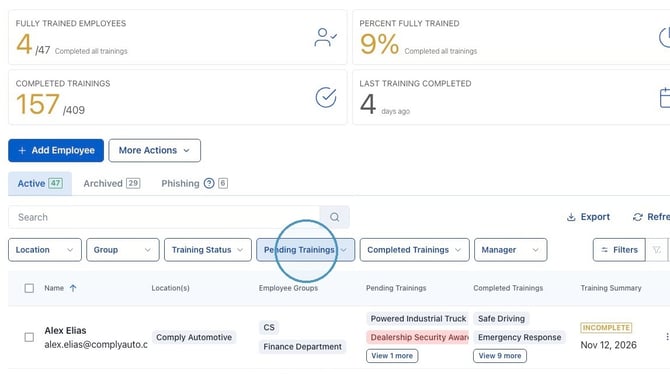
2. Click "Pending Trainings."
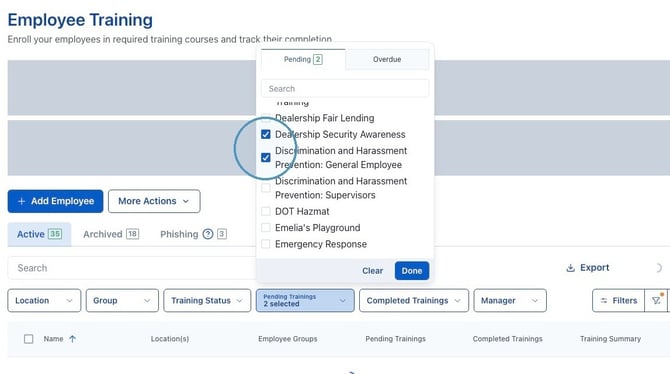
3. From the menu, select the training you wish to view and click "Done."
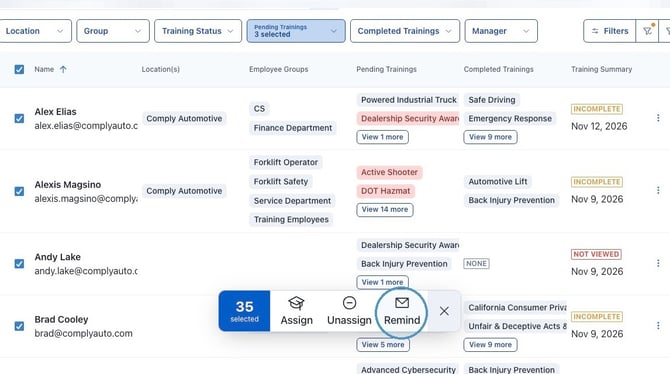
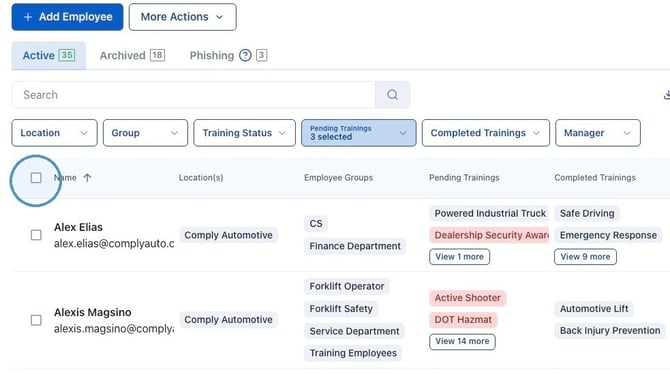
4. Select all employees using the checkbox beside "Name." Select only one employee by using the checkbox beside the employee's name.
5. To send a reminder email, click "Remind" in the pop up.