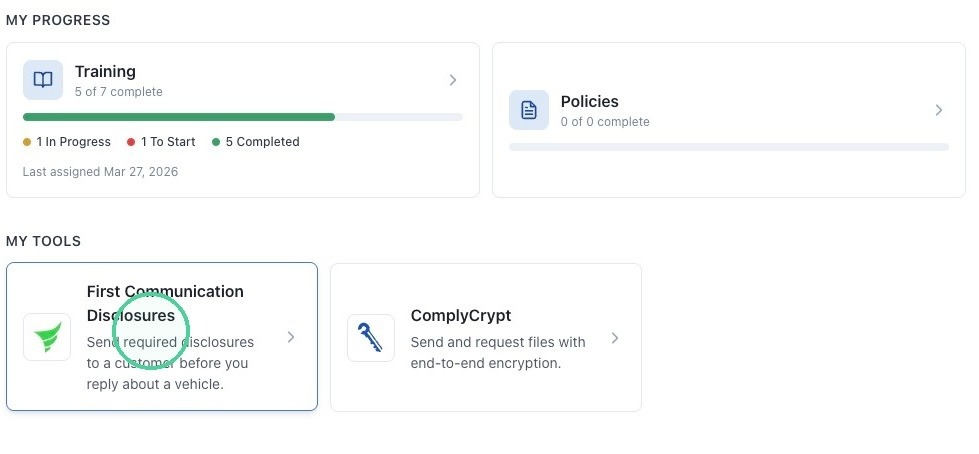
1. Navigate to https://app.complyauto.com/huband click "First Communication Disclosures."
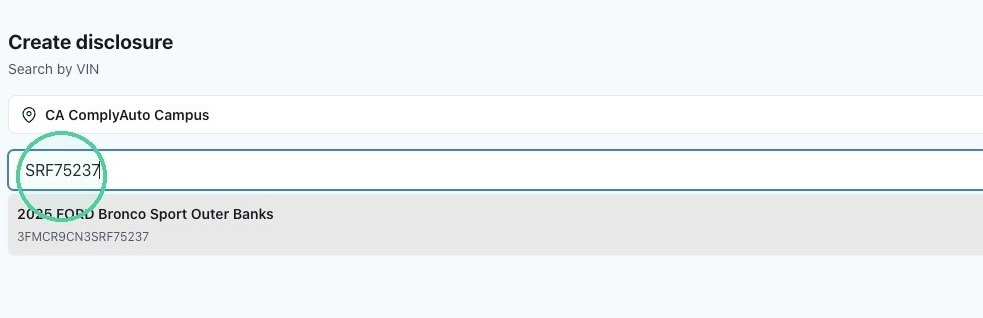
2. Choose your location if needed and then type the last eight digits of the VIN number.
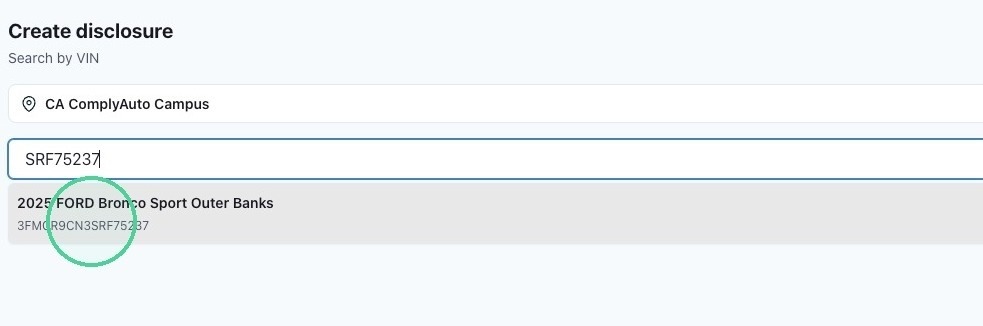
3. From the drop-down list, select the correct vehicle.
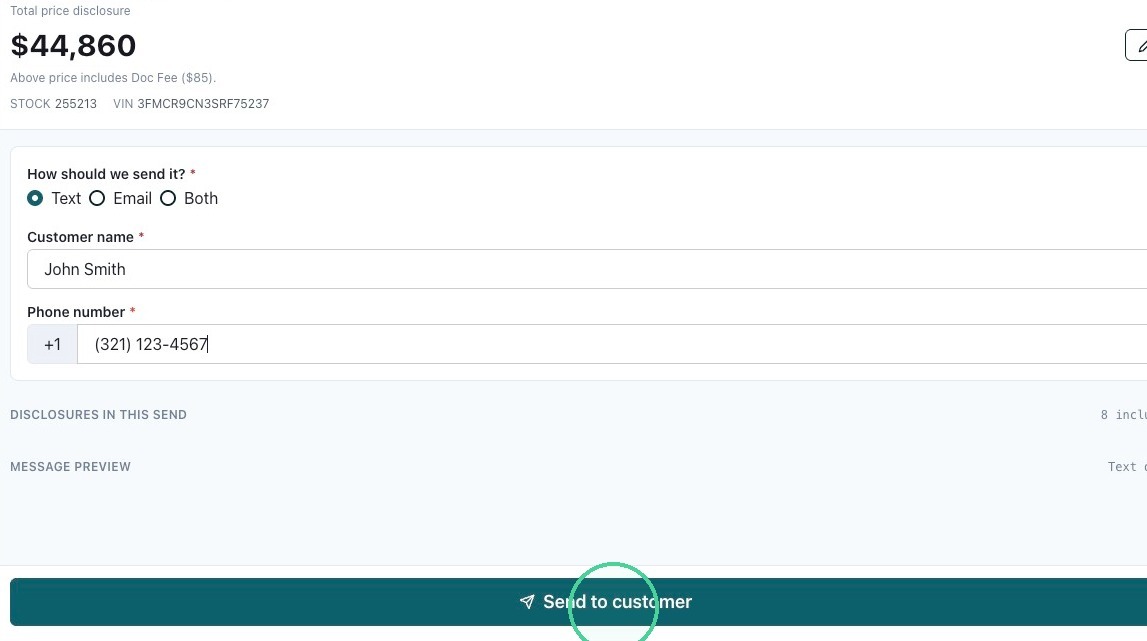
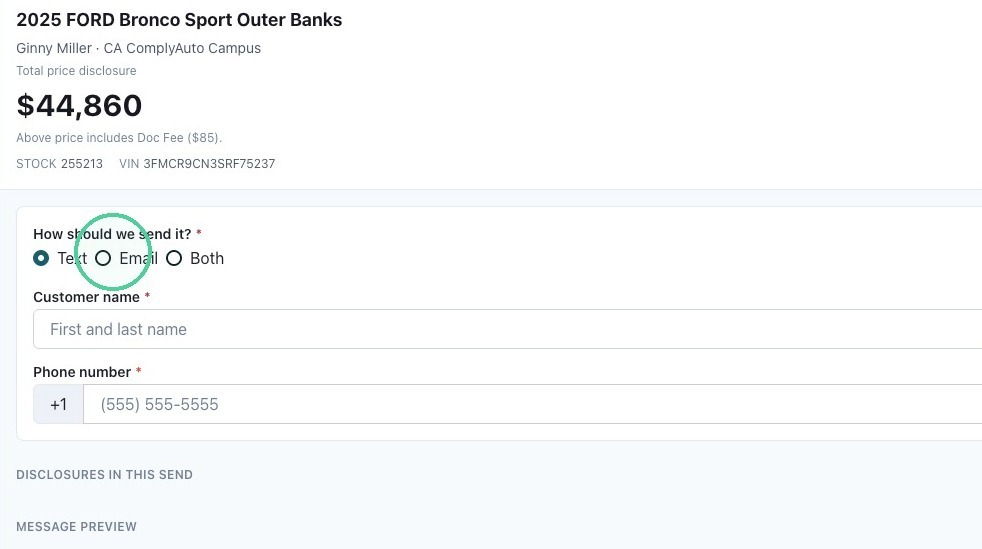
4. At the top, the vehicle information is automatically added. Select the delivery option: text, email, or both. Then add the customer's details.
5. Click "Send to customer."