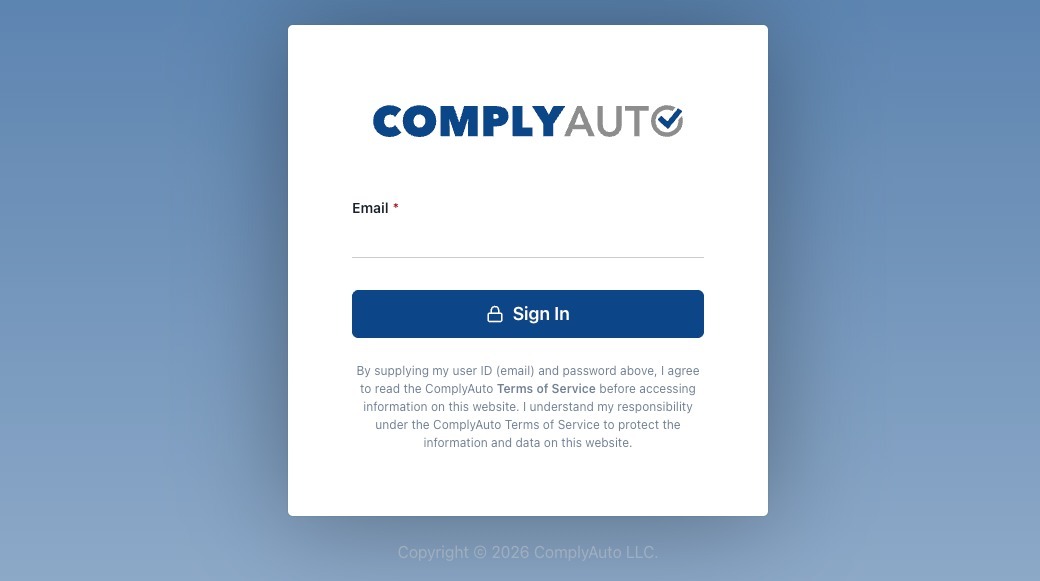
1. Navigate to https://login.complyauto.com/. Enter your email and password to sign in.
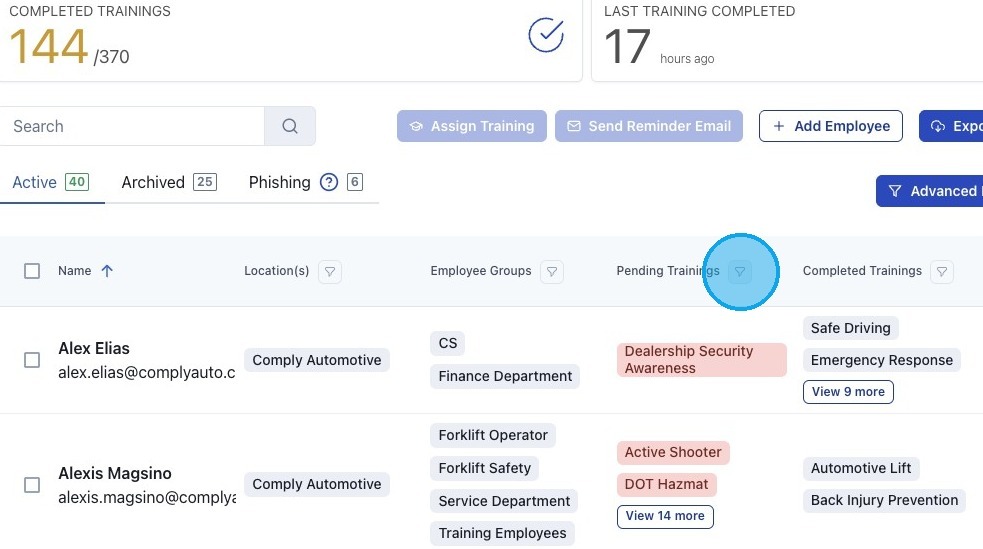
2. Go to your Workforce dashboard. Select "Employee Training" from the sidebar menu.

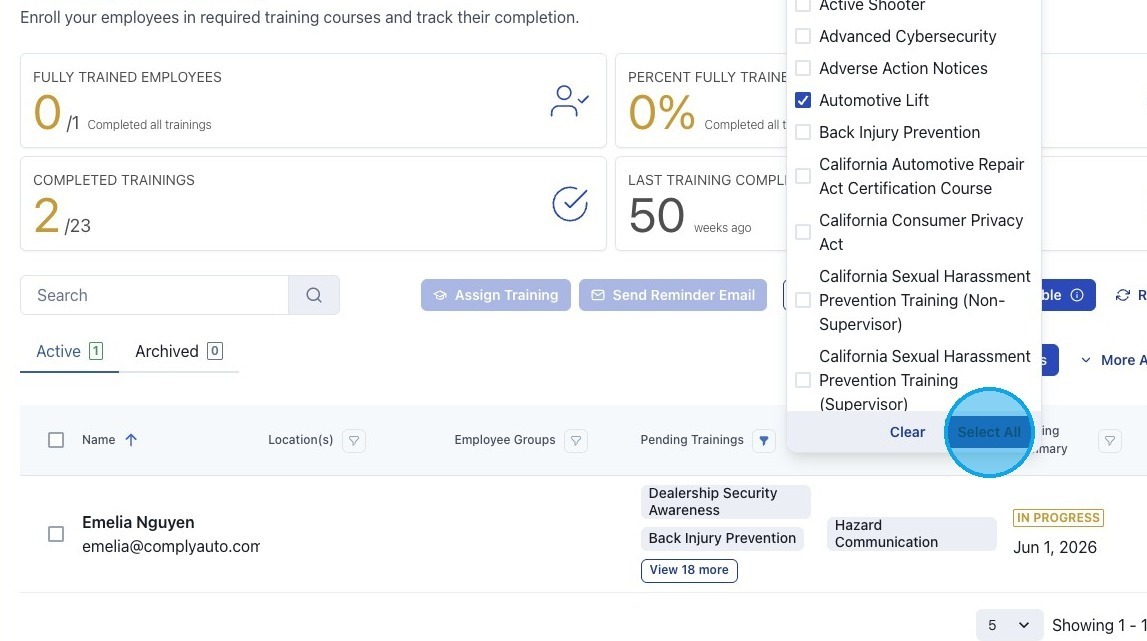
3. Click the funnel icon beside "Pending Trainings" to filter employees.
4. If you would like to filter for one training, click the box next to that specific training course.
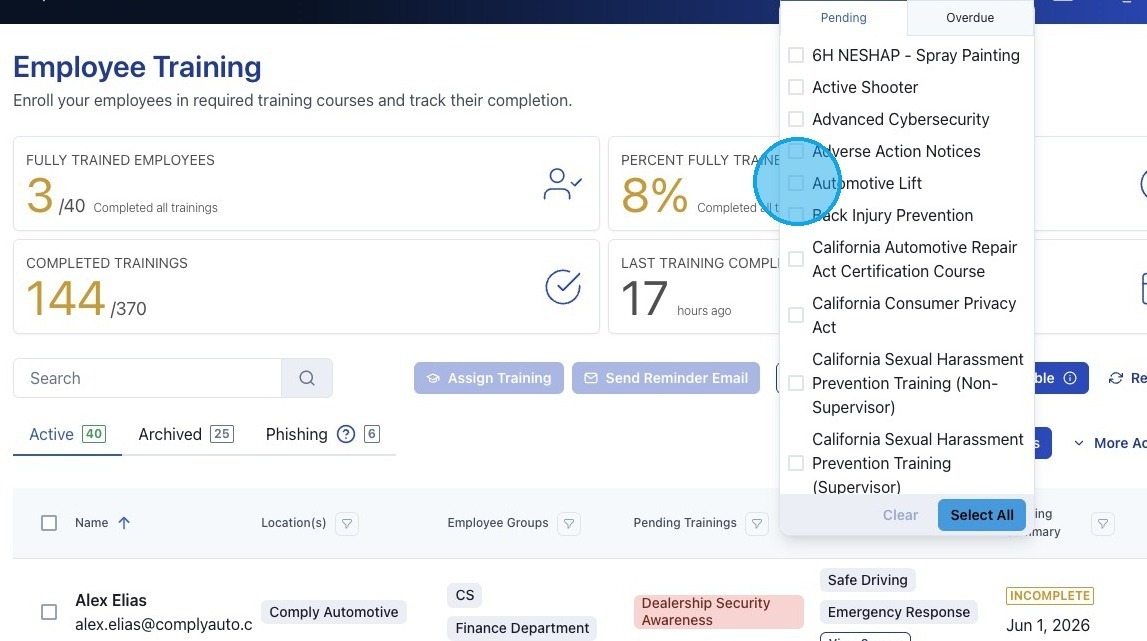
5. If you would like to see all pending training, click "Select All." The employee list now includes only employees with pending training.
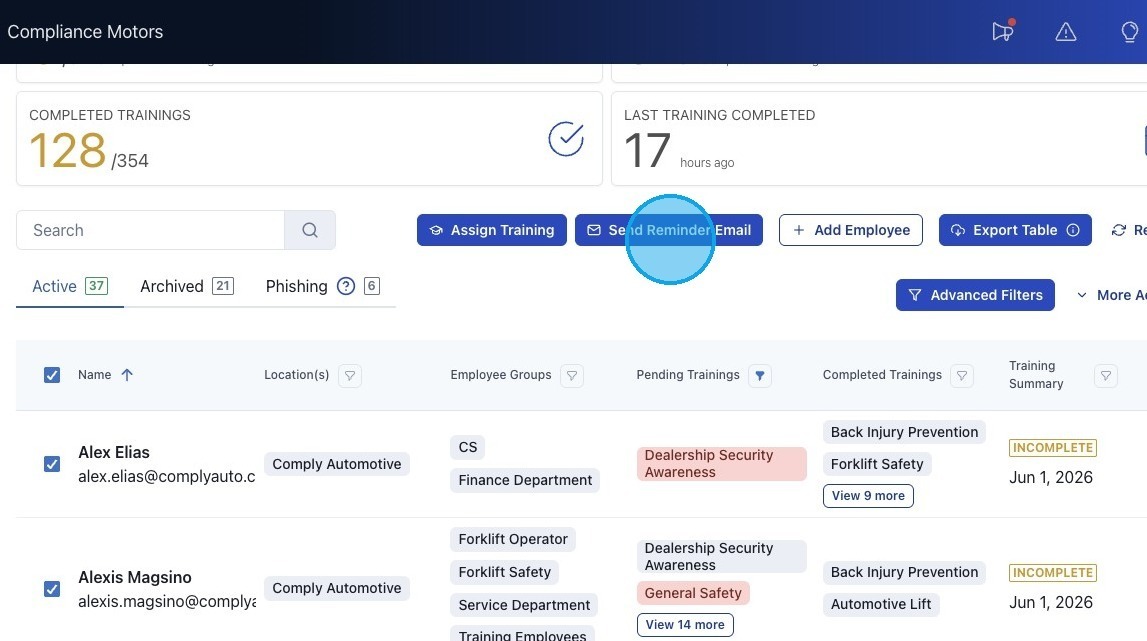
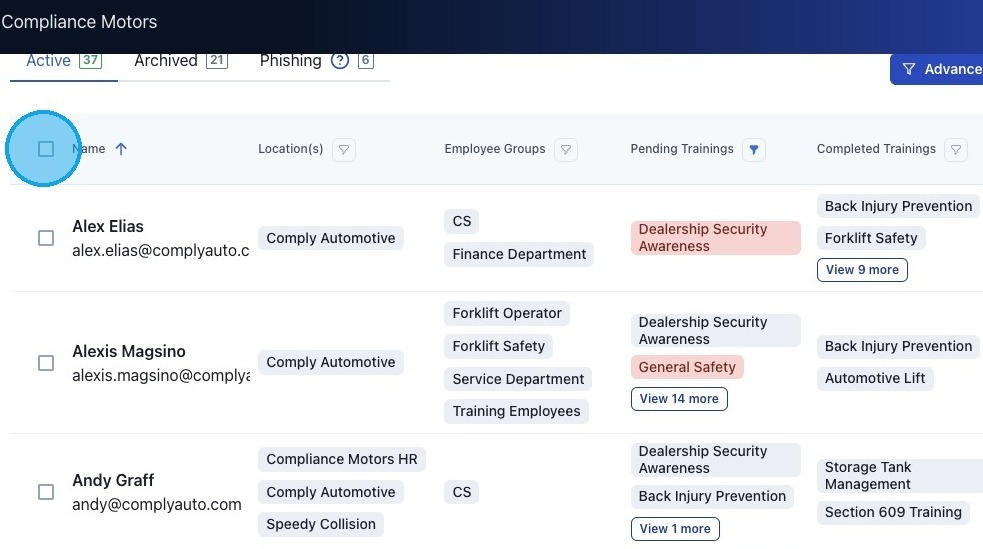
6. To send a training reminder to employees with pending training, click the box beside "Name" to select all employees.
7. Click "Send Reminder Email."