
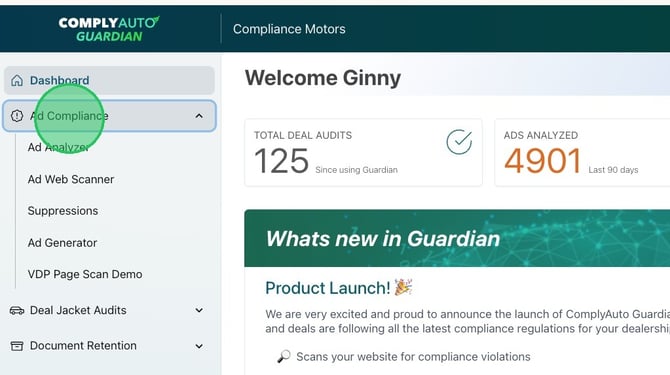
1. Navigate to your Guardian dashboard and click "Ad Compliance."
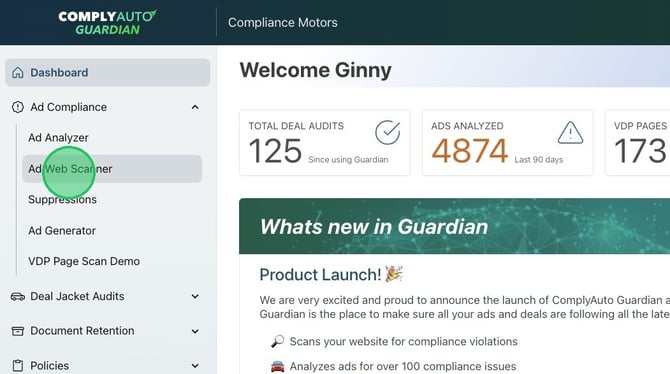
2. Click "Ad Web Scanner."
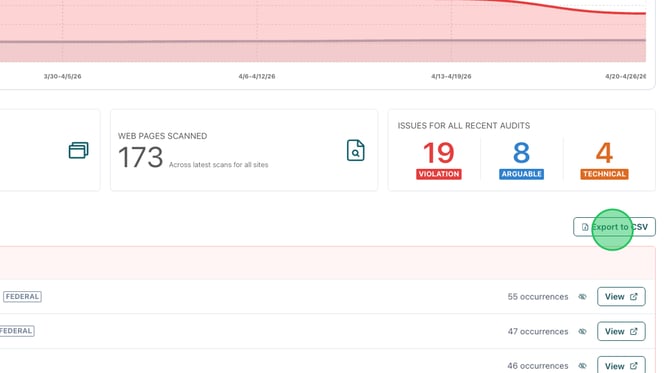
3. By default, the web scanner shows results for all websites until you select a specific website. If you would like to export a CSV of all results, scroll down the main page to "Export to CSV."
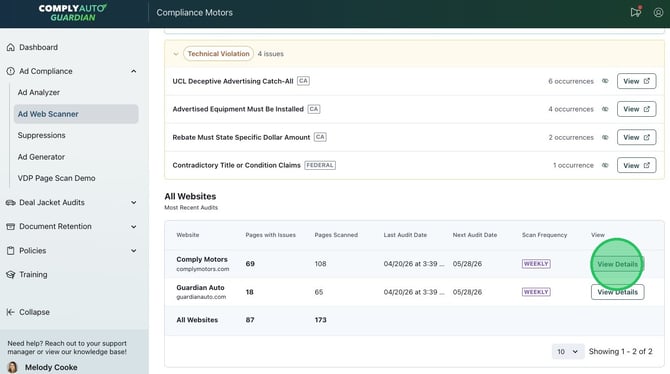
4. To export results for only one specific website, scroll to the bottom of the main results page. On the right, click "View Details" to see a particular website's scan results.
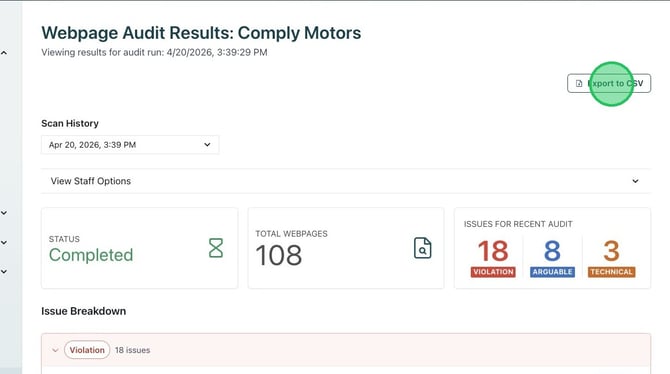
4. Click "Export to CSV" to download scan results.
If you have questions about your results, please contact your client success manager.