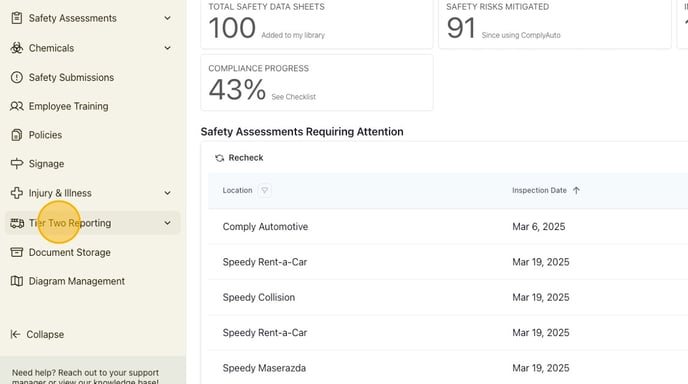
1. Navigate to your ComplyAuto Safety dashboard. Click "Tier Two Reporting" in the left-hand menu.
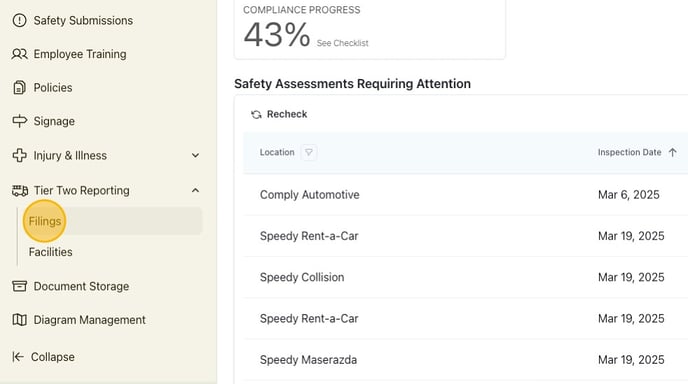
2. Click "Filings."
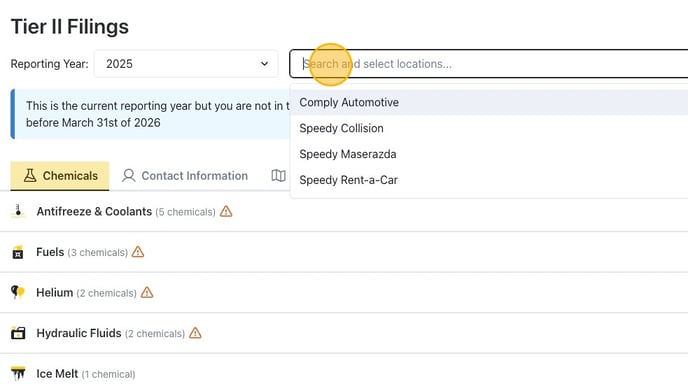
3. Click the search bar and then select the correct location from the drop-down list.
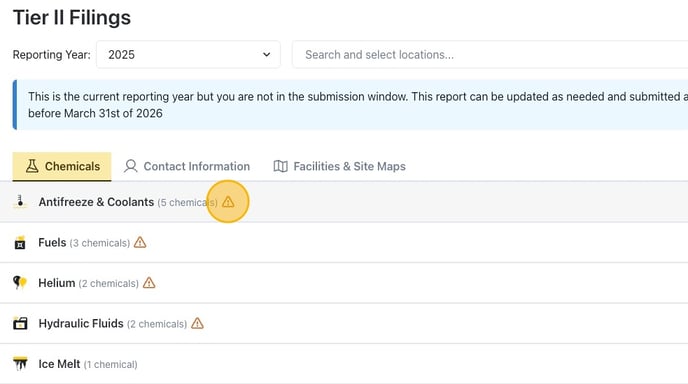
4. Anywhere you see this icon, the chemical is missing information. Click the icon.
5. To update the chemical, click the three dots all the way on the right. Then click "Edit storage information."

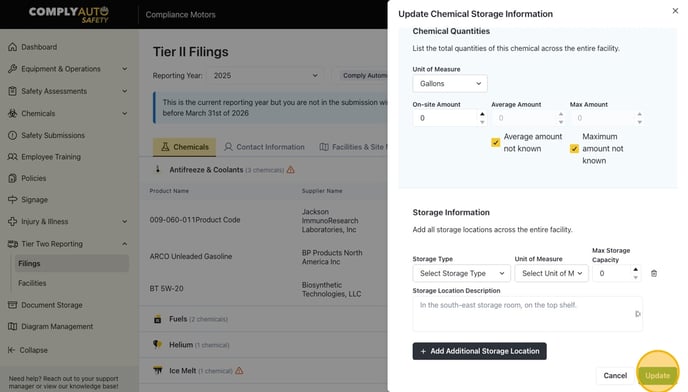
6. Add the chemical quantities and storage information. Then click "Update."