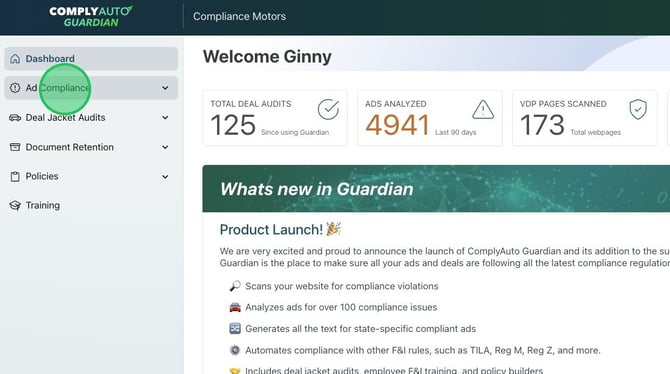
1. Navigate to your Guardian dashboard and click "Ad Compliance."
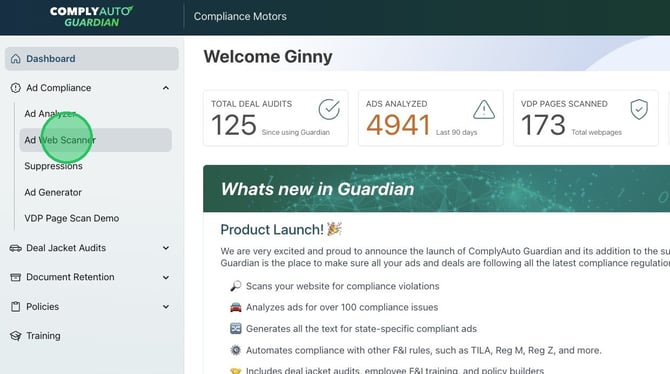
2. Click "Ad Web Scanner."
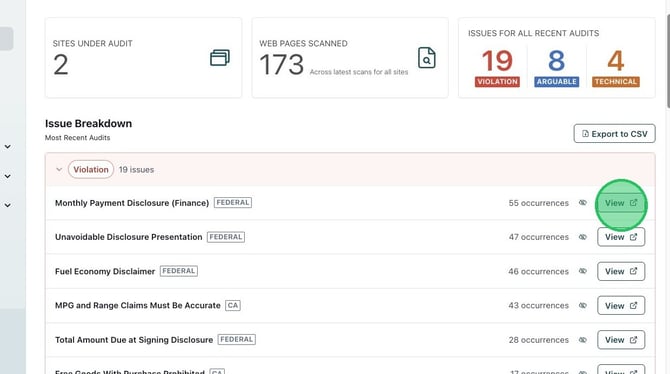
3. Click "View" next to the specific compliance issue you wish to review.
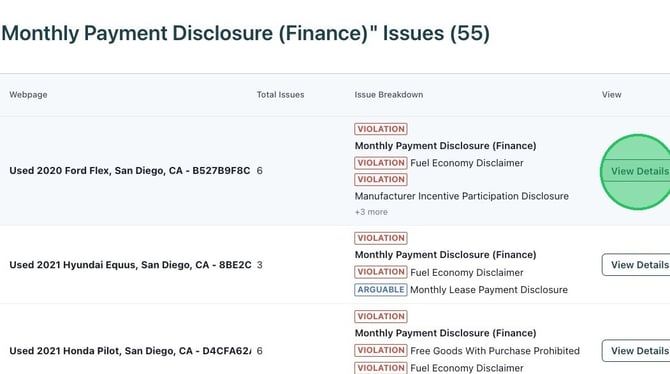
4. Click "View Details" for the specific vehicle or page issue.
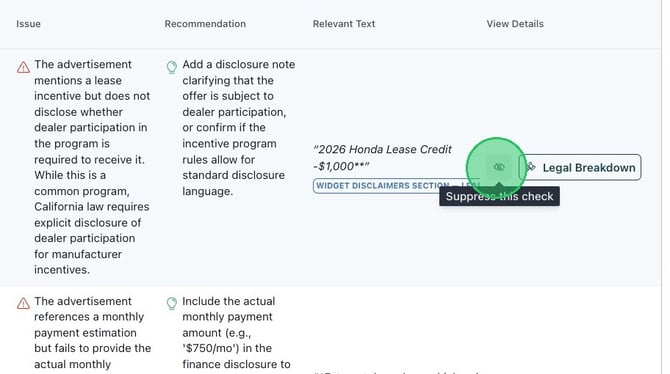
5. To suppress that issue, click the eye icon beside the legal breakdown button.
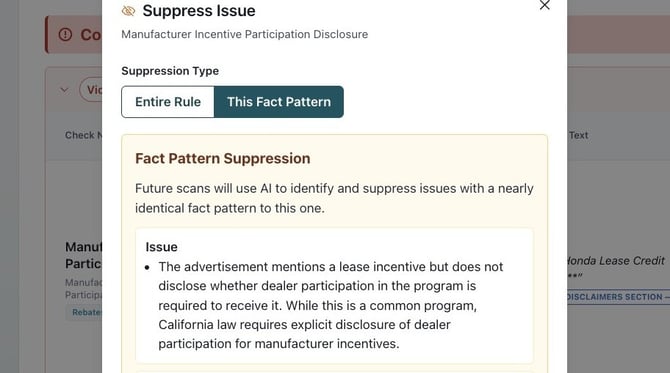
6. Choose the "Suppression Type" for either the entire rule or the fact pattern.
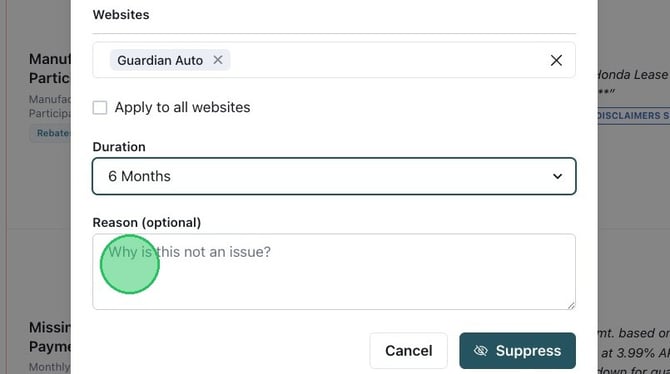
7. Click the drop-down menu to select the suppression duration: 30 days, 6 months, 1 year, or permanent.
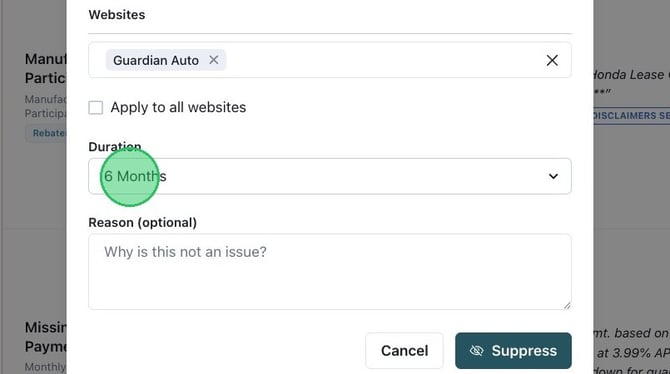
Alert! ComplyAuto recommends not permanently suppressing issues. Choose one year max, so that you can revisit the issue at a later date.
8. Add a reason if you would like and click "Suppress."
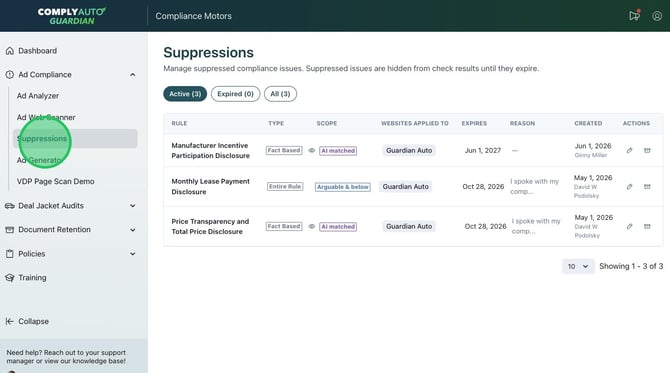
9. Navigate to the "Suppressions" tab to view and manage active suppressions. You can edit or delete the suppression using the icons on the right-hand side.