
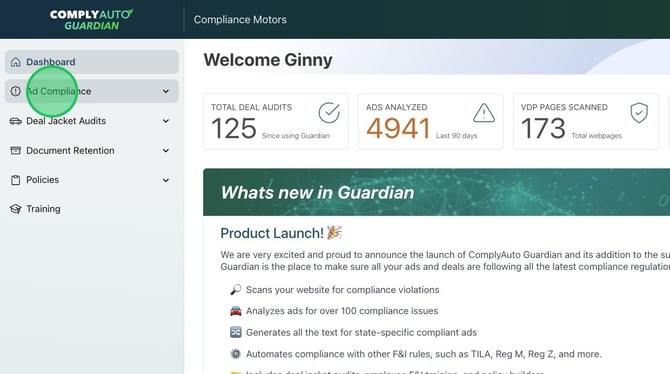
1. Navigate to your Guardian dashboard and click "Ad Compliance."
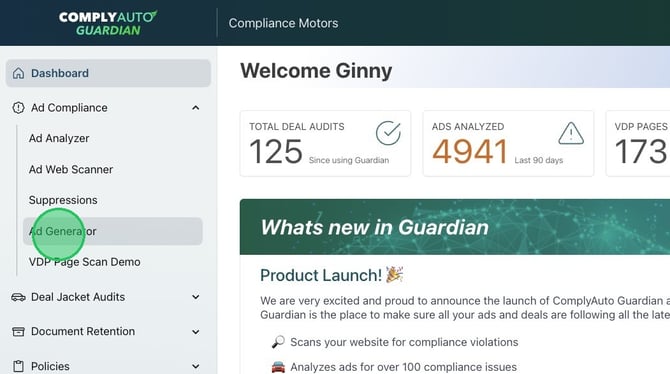
2. Click "Ad Generator" to access the Advertisement Generator dashboard.
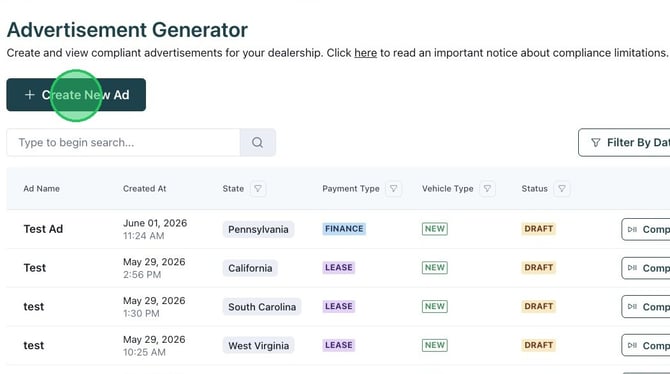
3. Click "Create New Ad."
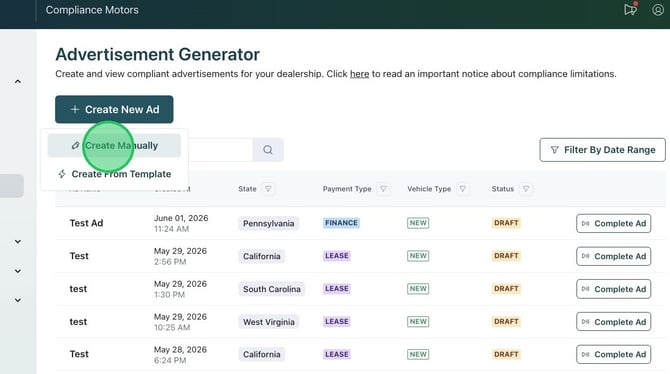
4. Click "Create Manually."
5. Name the ad.
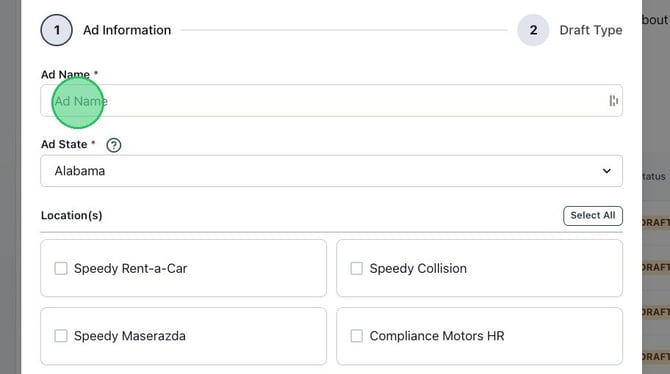
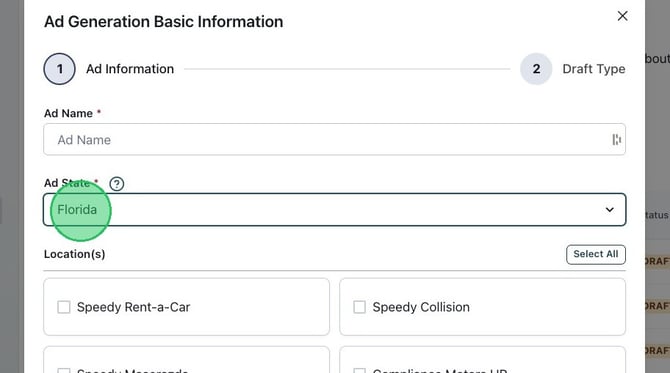
6. Select the appropriate state from the drop-down menu.
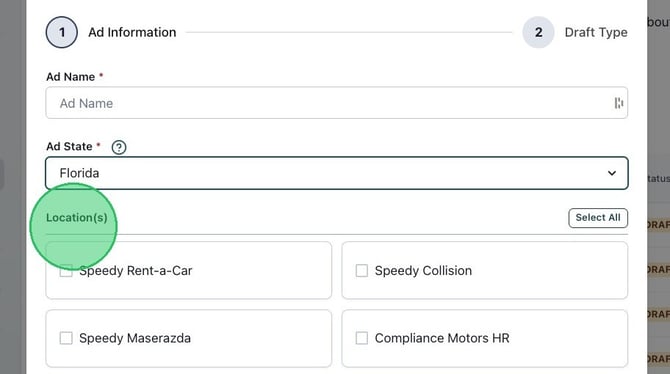
7. Select the location if you would like.
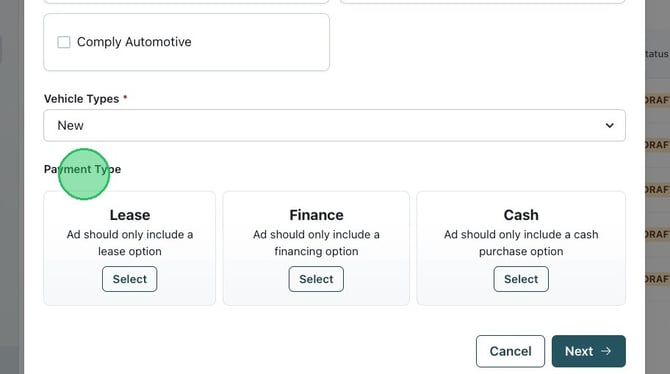
8. Select "New" or "Used" for Vehicle Types.
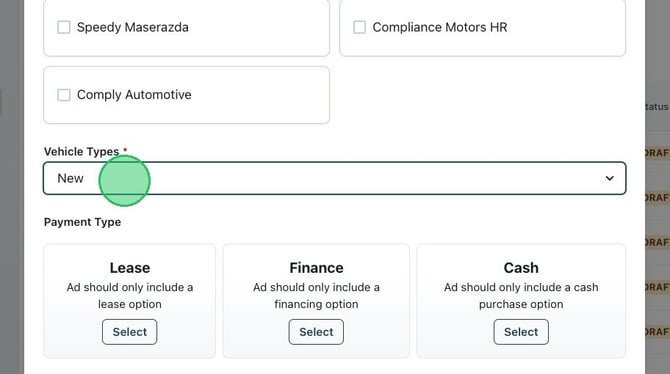
9. Select the ad payment type: Lease, Finance, or Cash. Click "Next."
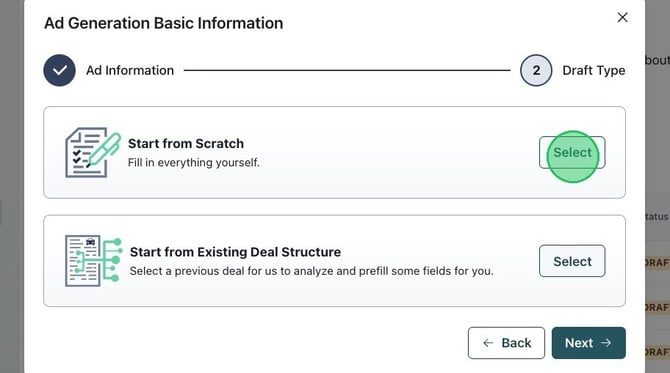
10. Select "Start from Scratch" unless you have an existing deal structure to upload. Click "Next."
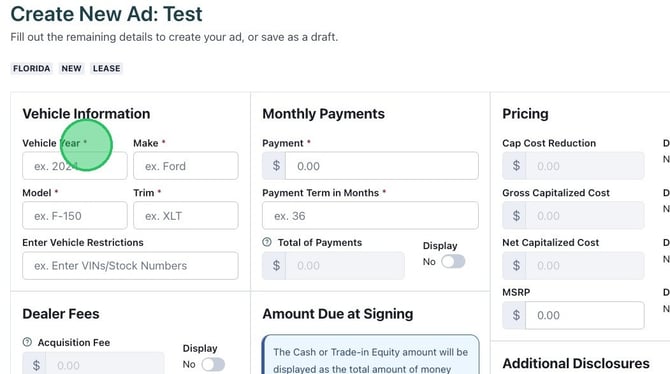
11. When creating an ad, all required fields are marked with an asterisk (*). You can not complete the ad if a required field is left blank.
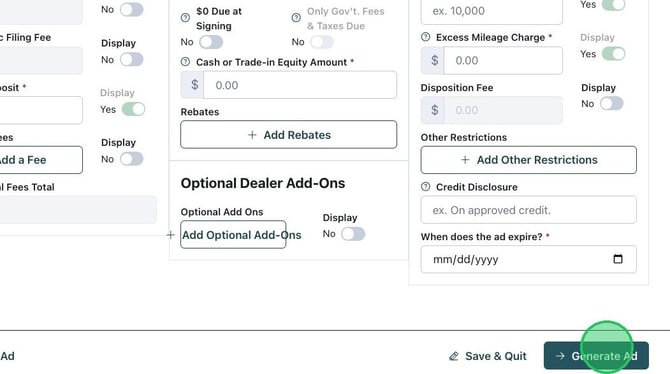
12. After you have completed the ad information, click "Generate Ad."
13. Generated ads can be easily shared with marketing.
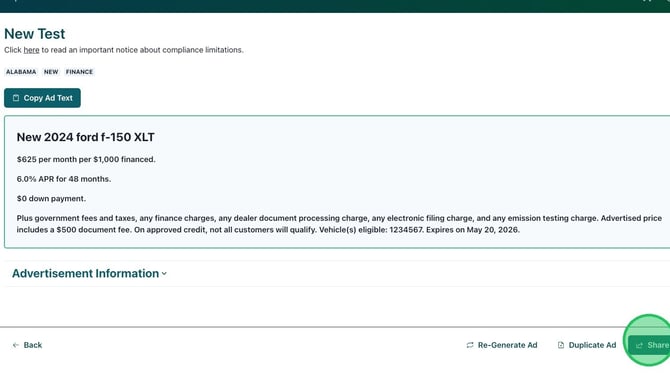
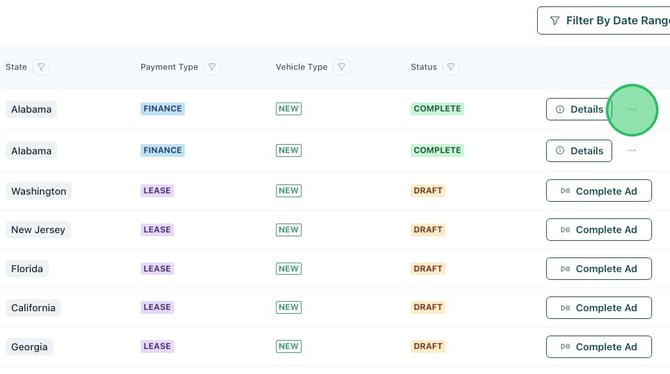
14. Previous ads are listed in the Generator dashboard. You can view details of previously created ads. Click the three dots on the right to create a template or share, duplicate, or delete the ad.
If you need help generating an ad or have any questions, please reach out to your client success manager.