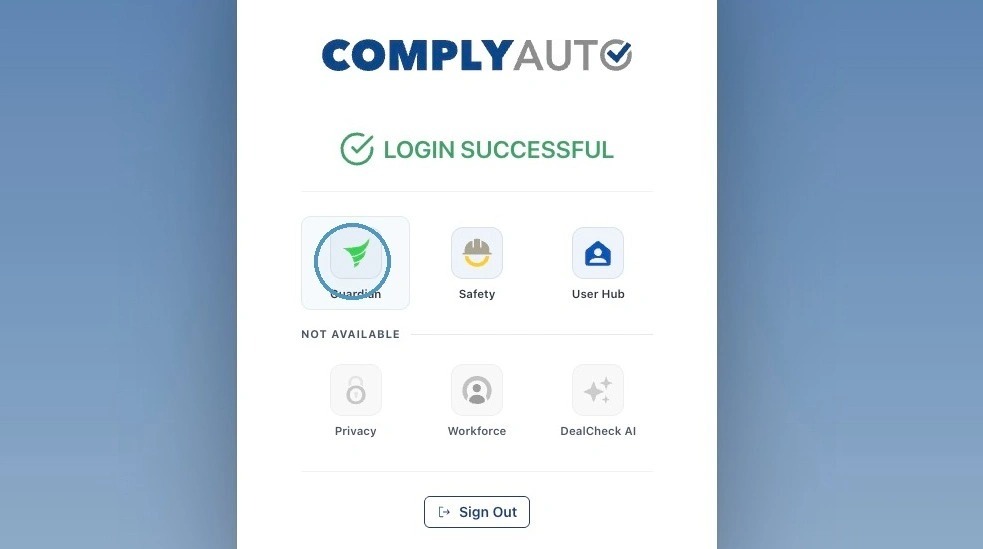
1. Navigate to https://login.complyauto.com/. Click "Guardian."
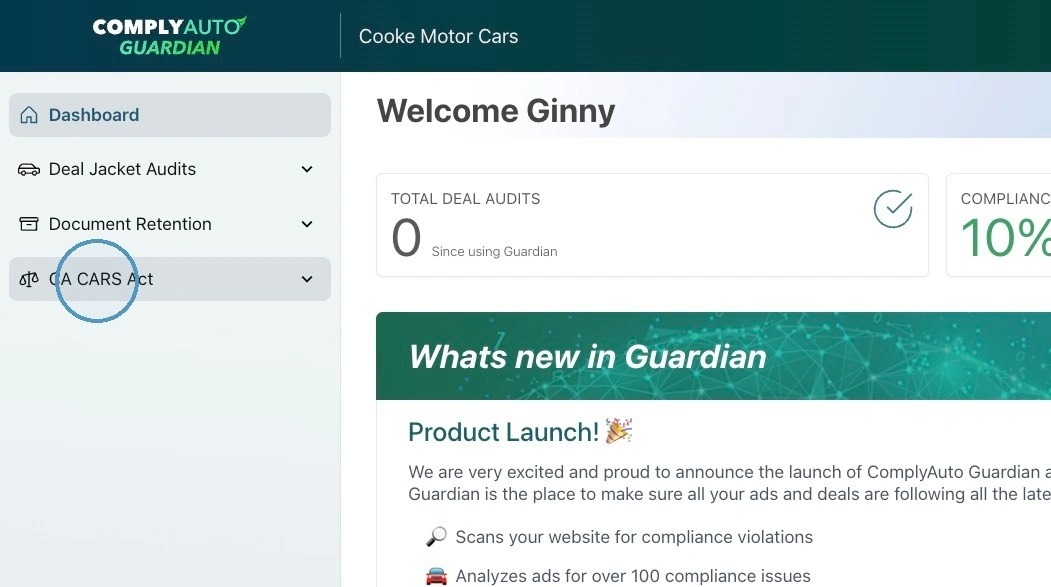
2. Click "CA CARS Act."
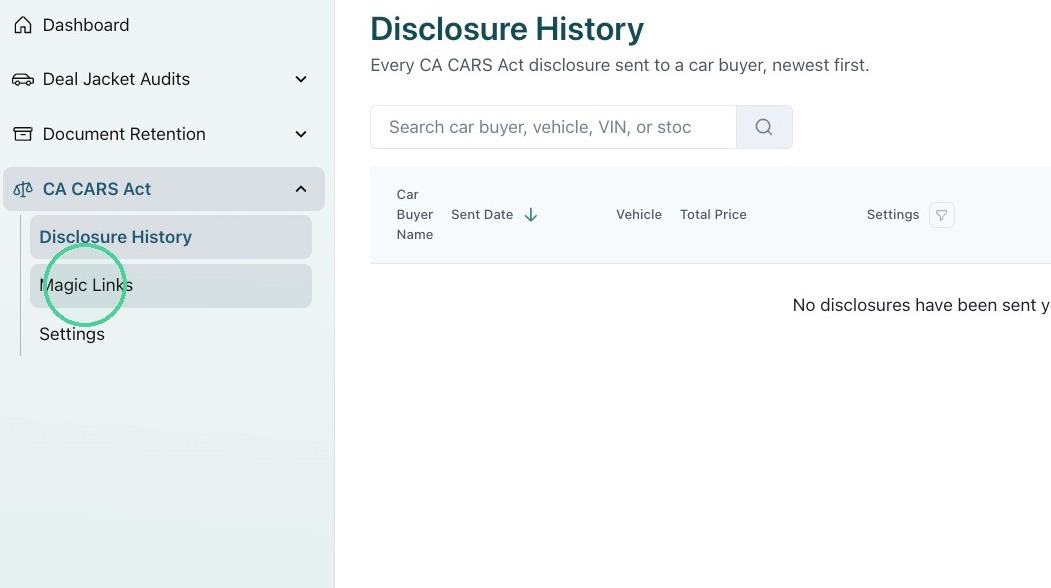
3. Click "Magic Links."
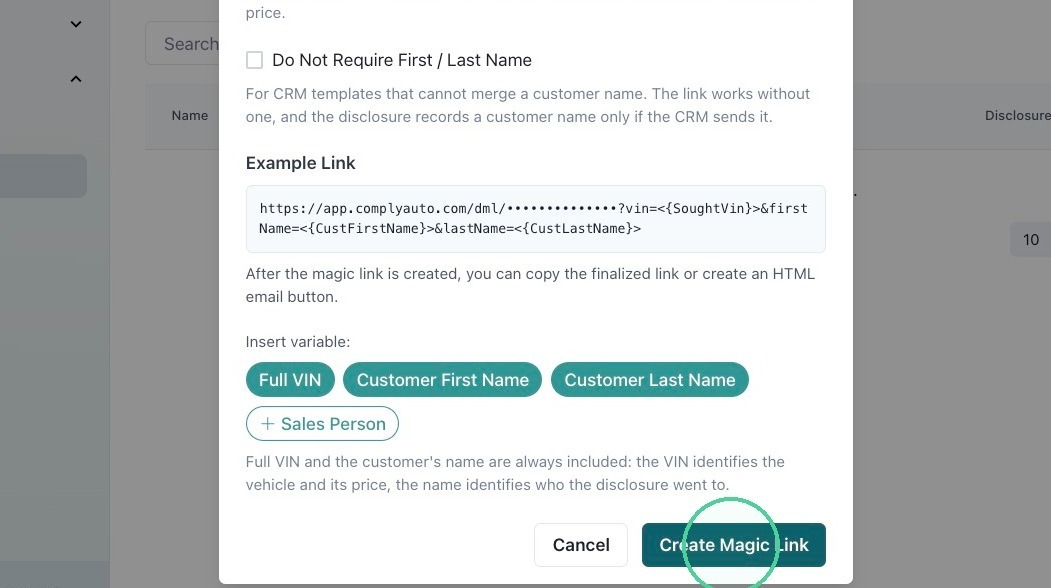
4. Click "Create Magic Link."
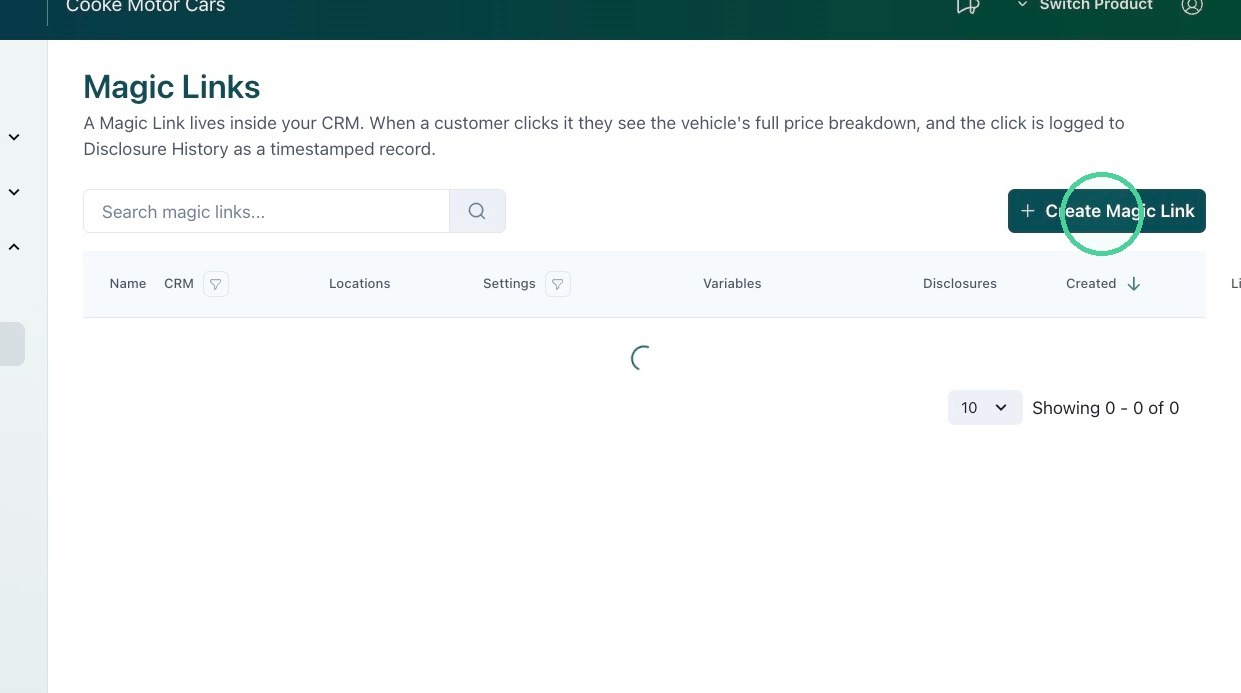
5. From the drop-down list, select your CRM.
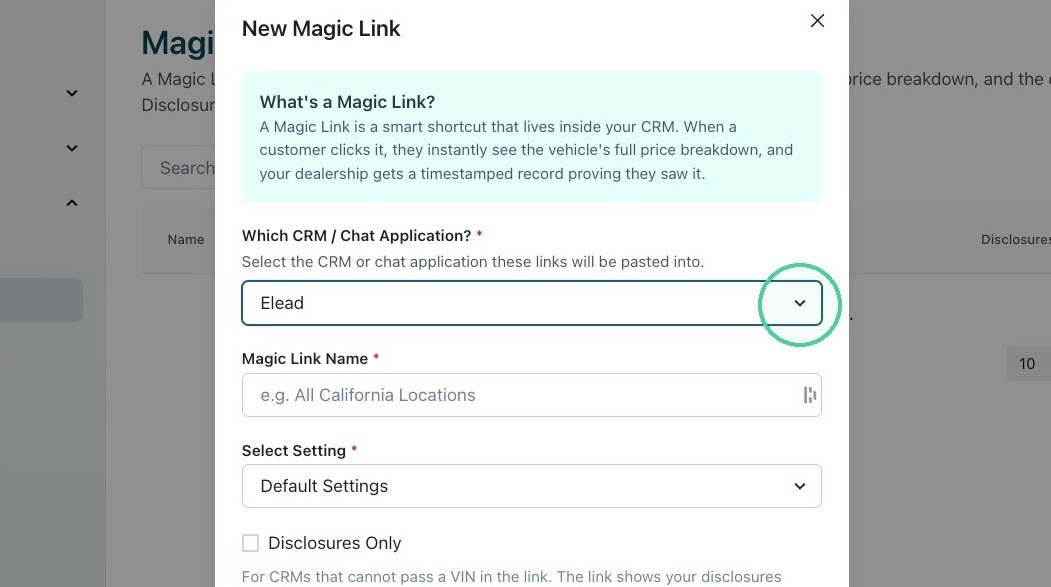
6. Name the magic link.
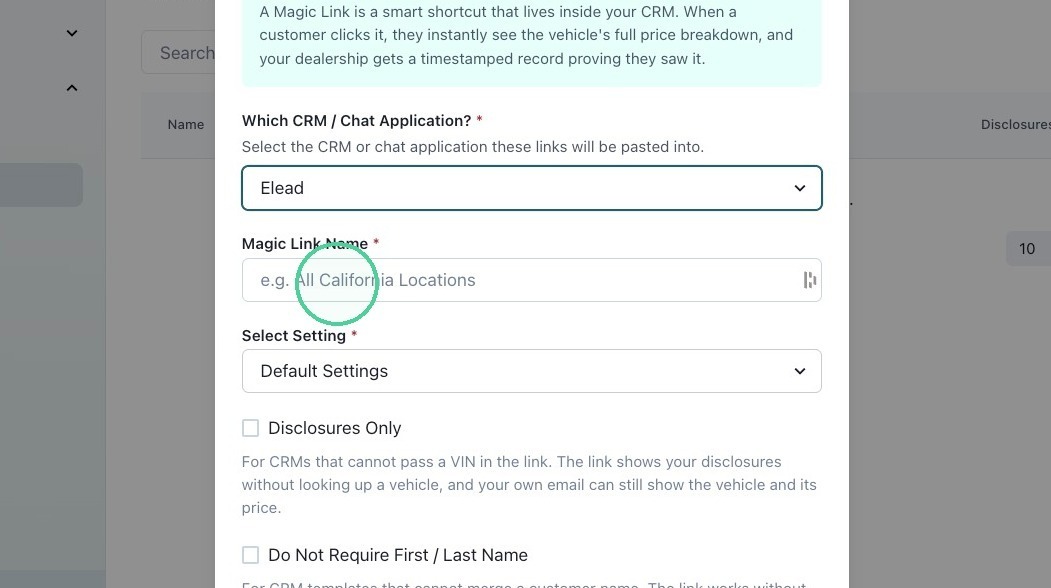
7. Under Select Settings, choose default settings or custom settings per location from the drop-down list.
You can create custom settings per location under CA CARS Act Settings.
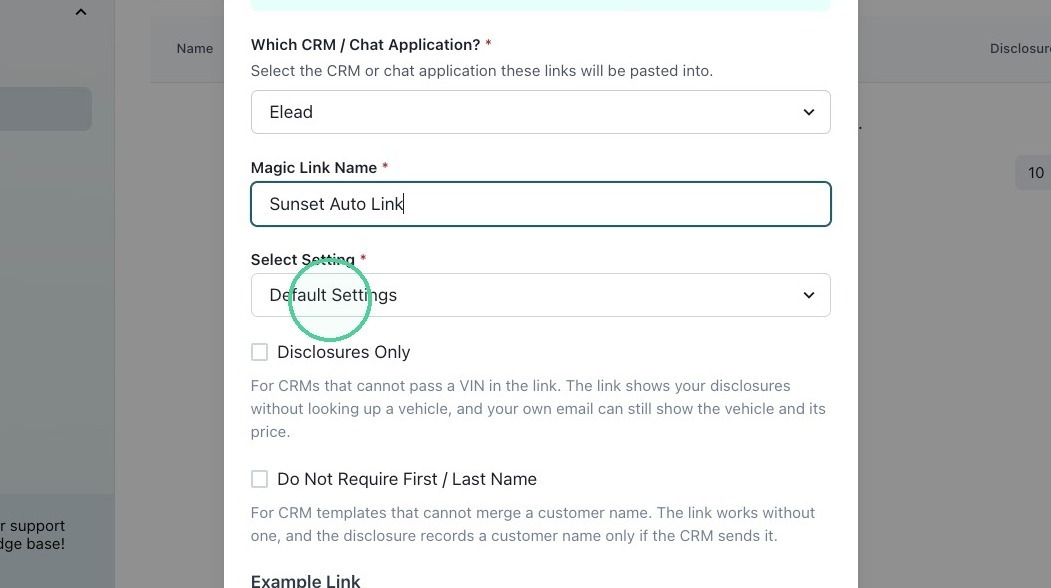
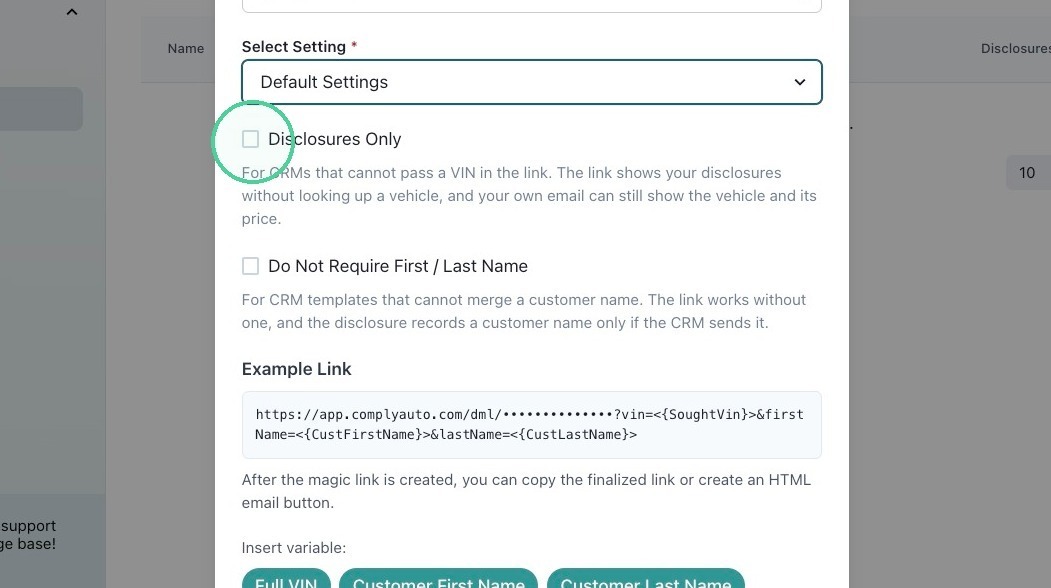
8. If the total price is already included in your CRM templates, you can choose "Disclosures Only" by clicking here.
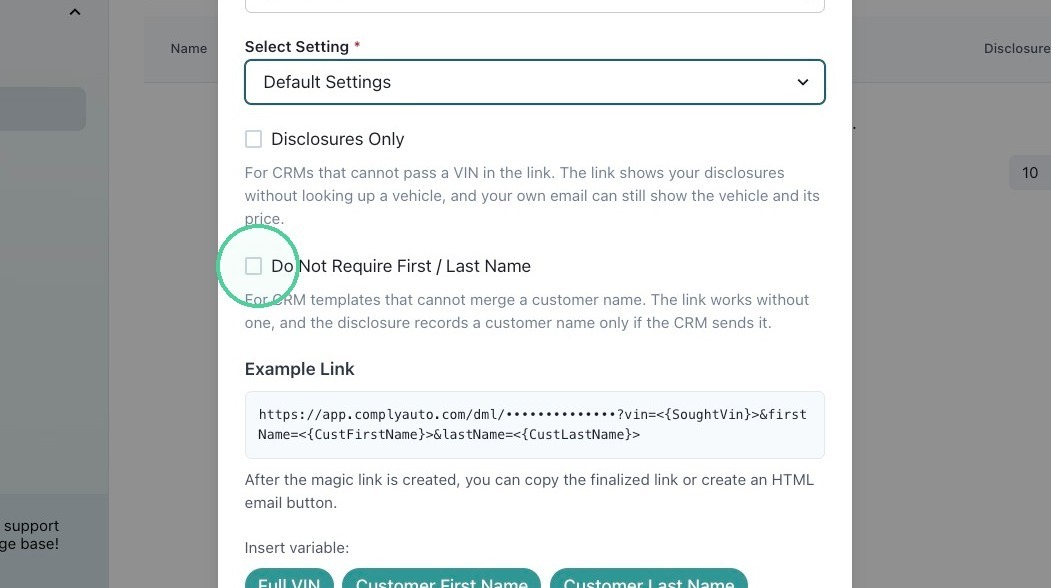
9. If you do not need to include the customer's first and last name in your CRM templates, you can choose to not require these fields by clicking here.
10. Click "Create Magic Link."