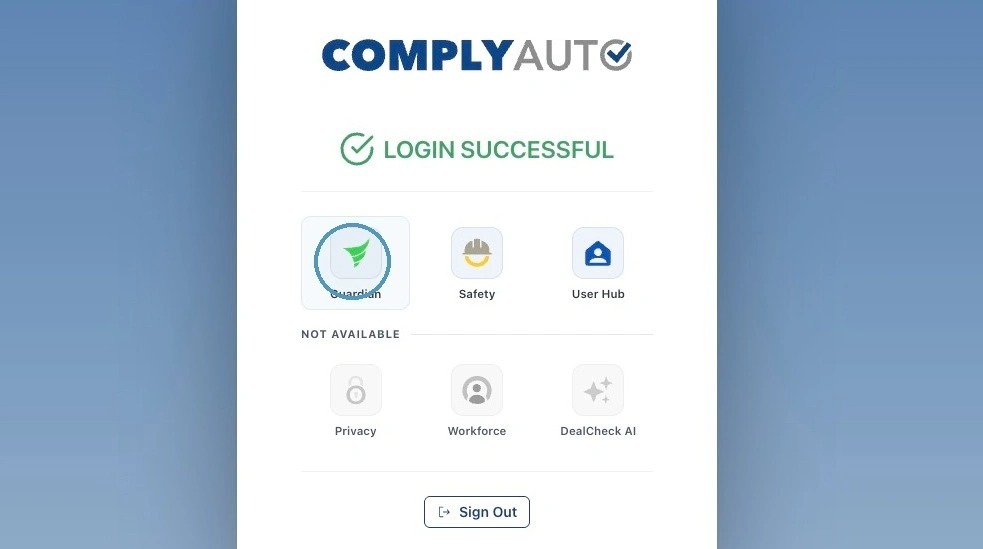
1. Navigate to https://login.complyauto.com/. Click "Guardian."
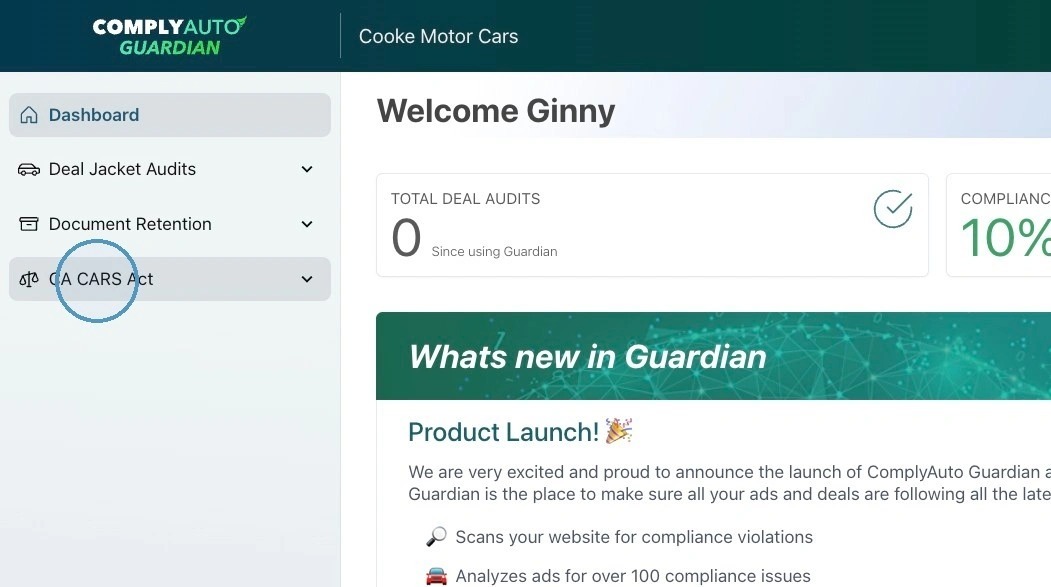
2. Click "CA CARS Act."
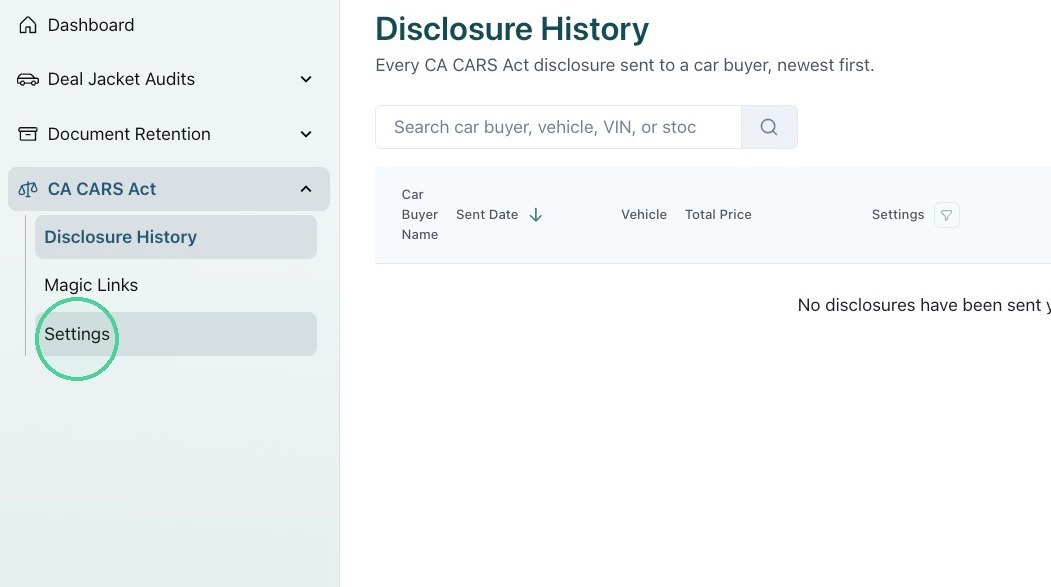
3. Click "Settings."
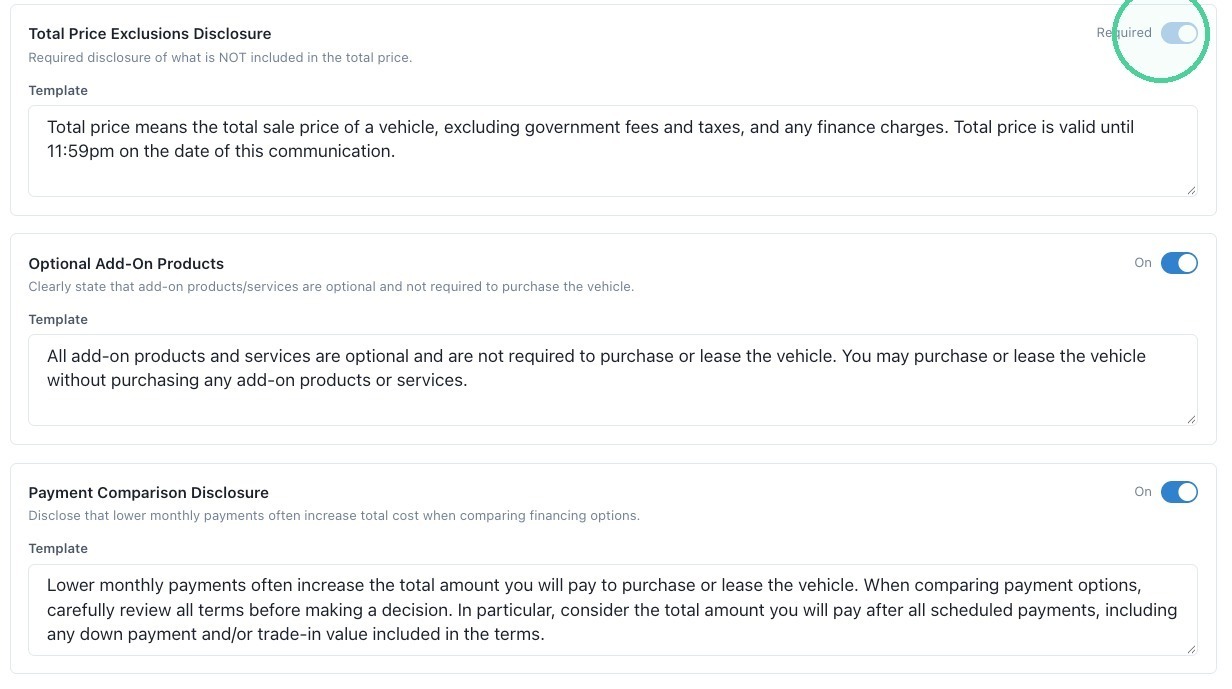
4. Click "Default Disclosures." The Total Price Exclusion Disclosure is required by the CA CARS Act and cannot be turned off.
ComplyAuto also recommends including the Optional Add-On Products disclosure and the Payment Comparison Disclosure, but you may toggle these off if you would like.
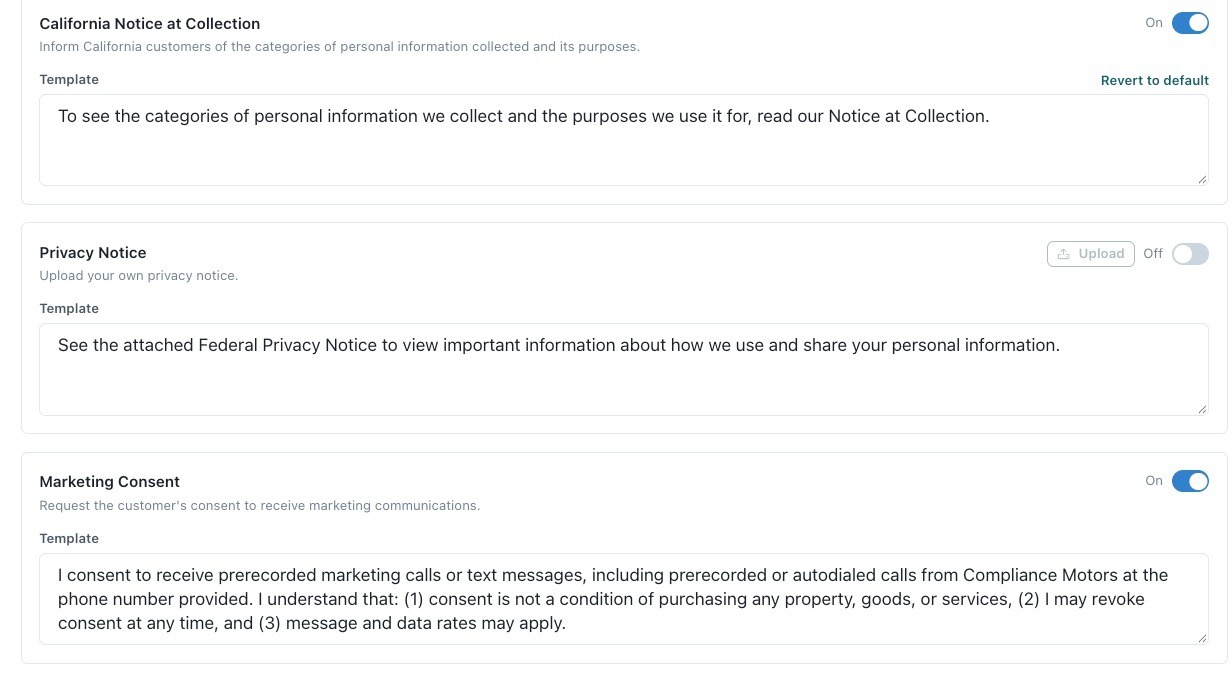
5. You may also toggle the California Notice at Collection, FTC Privacy Notice, and Marketing Consent on or off. If you toggle the FTC Privacy Notice on, you will need to upload a copy of this document.
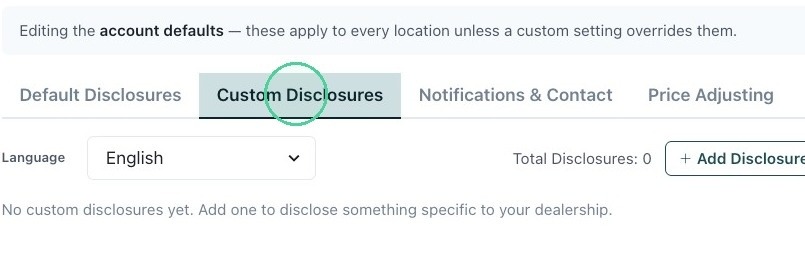
6. Under Custom Disclosures, you can add any disclosures you would like to send with first communications.
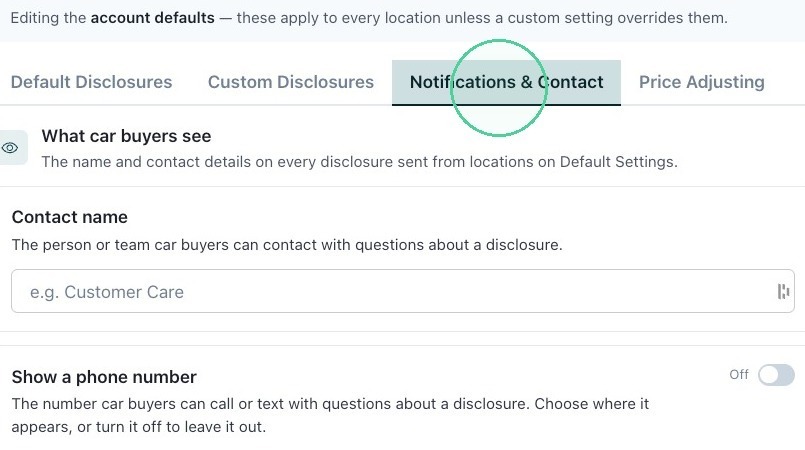
7. Click "Notifications & Contact" to add the name and contact details sent with every disclosure.
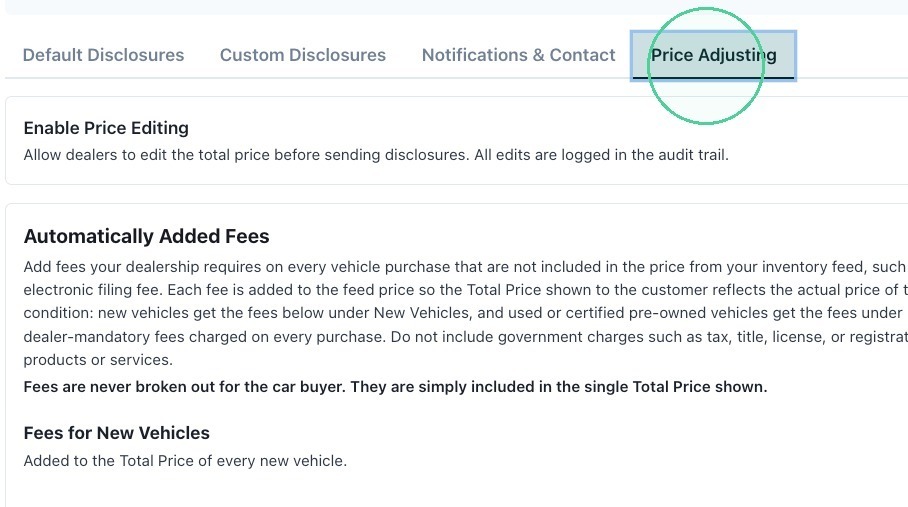
8. Click "Price Adjusting" to enable price editing and to add fees to new or used prices if needed.