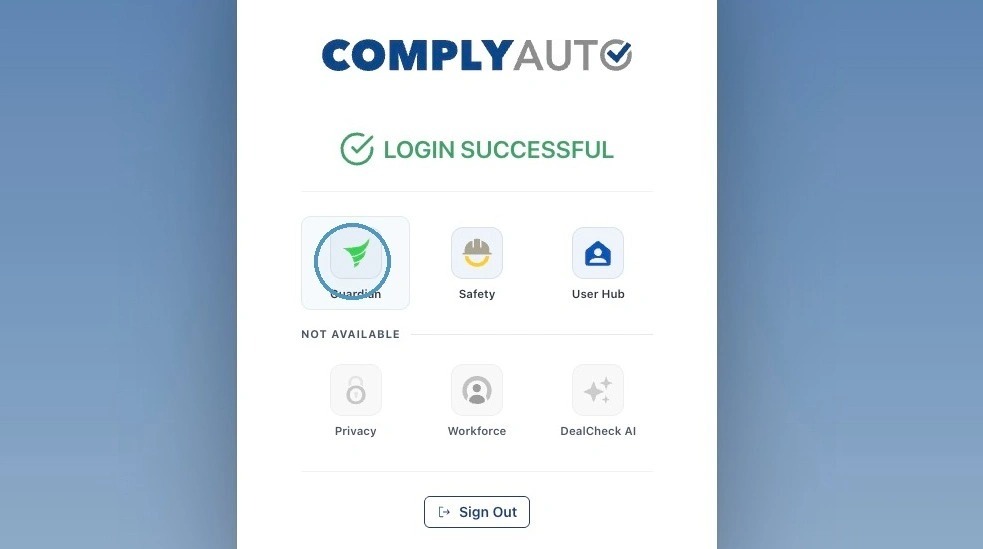
1. Navigate to https://login.complyauto.com/. Click "Guardian."
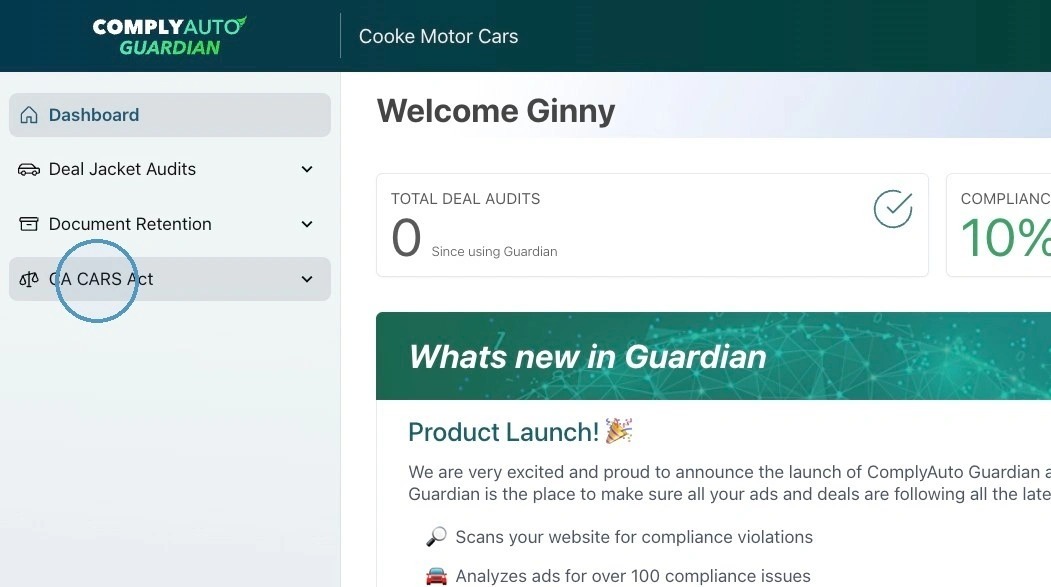
2. Click "CA CARS Act."
3. Click "Disclosure History."
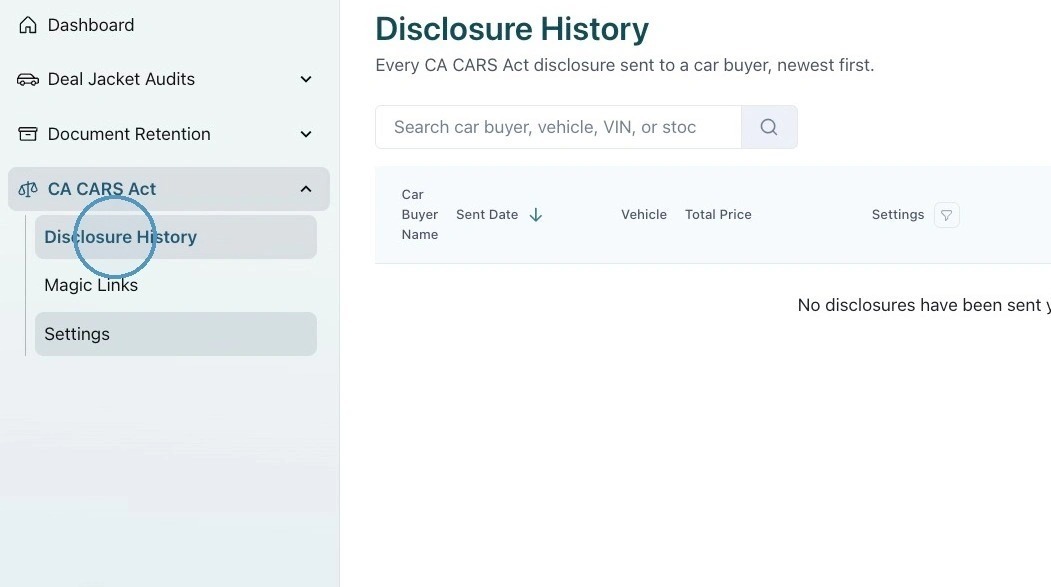
4. Disclosures sent via app.complyauto.com and the magic link will show under Disclosure History.
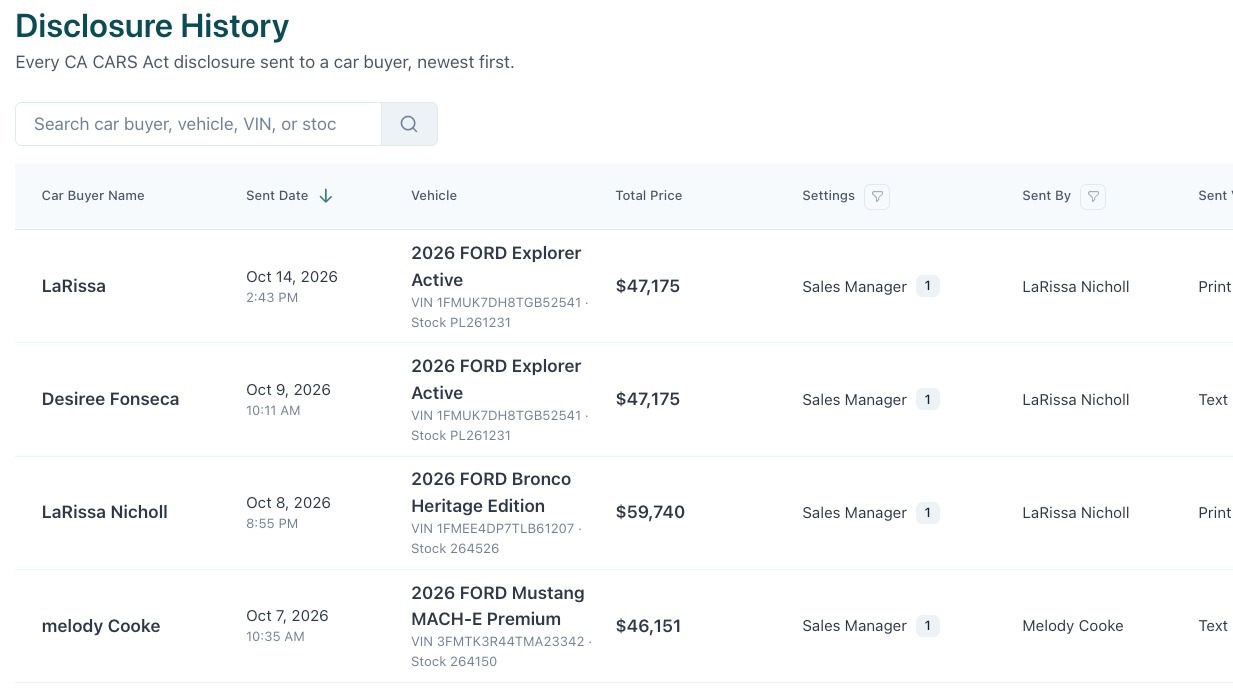
5. You can view relevant data and filter by settings, sent by, sent via, and status by clicking the funnel icon.
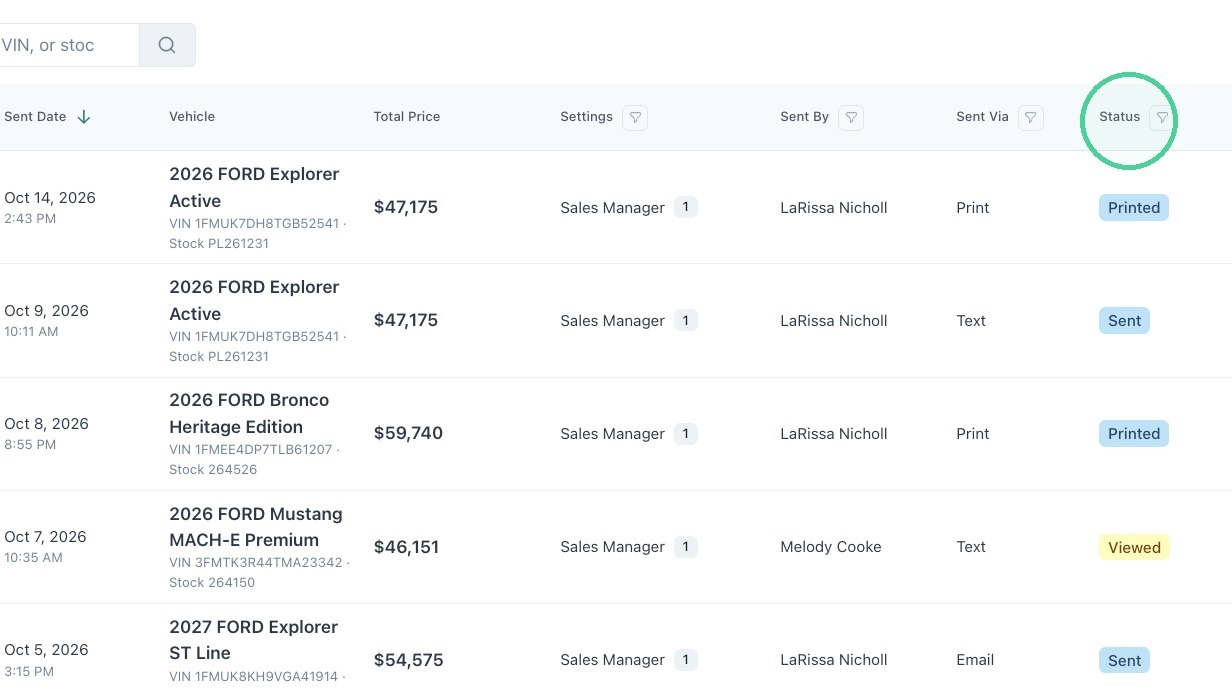
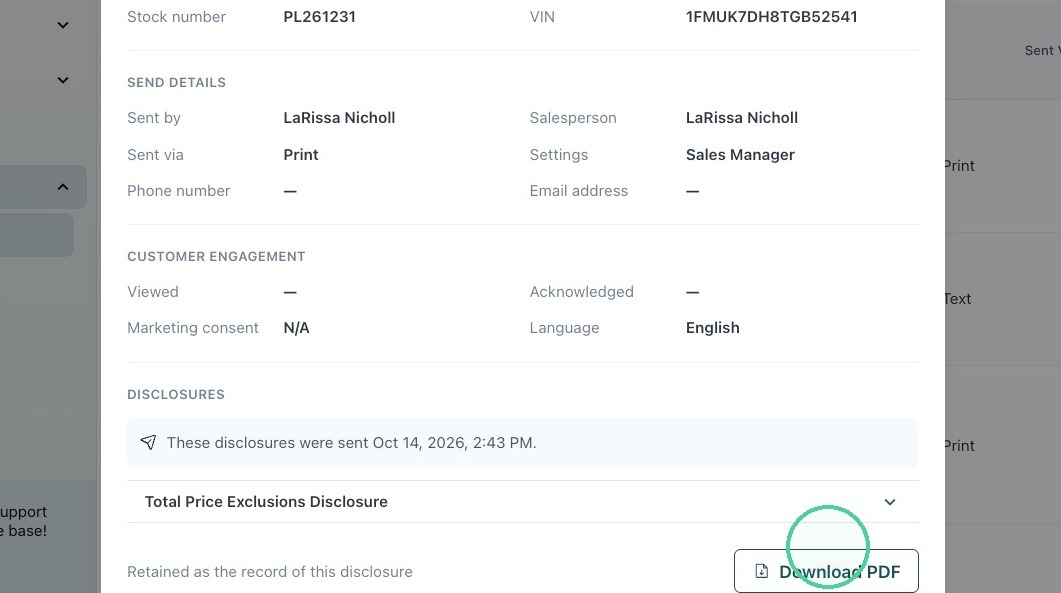
6. Click anywhere on the disclosure to see more details or to download the PDF.