1. Navigate to https://app.complyauto.com/and click "First Communication Disclosures."
.jpeg?width=624&height=289&name=Generating%20First%20Communication%20Disclosures%20in%20ComplyAuto%20-%20Step%200%20(1).jpeg)
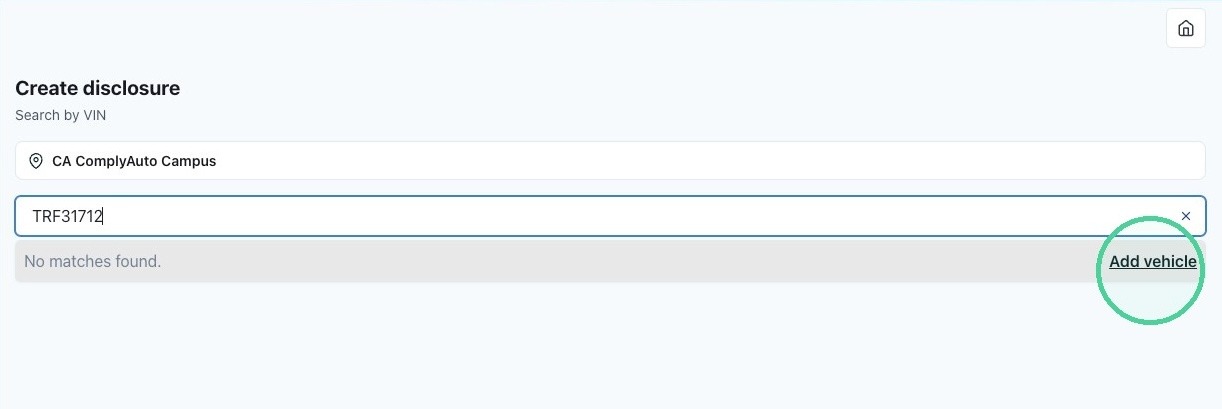
2. If needed, select your location, then enter the last 8 digits of the VIN. If no matches are found, click "Add vehicle."
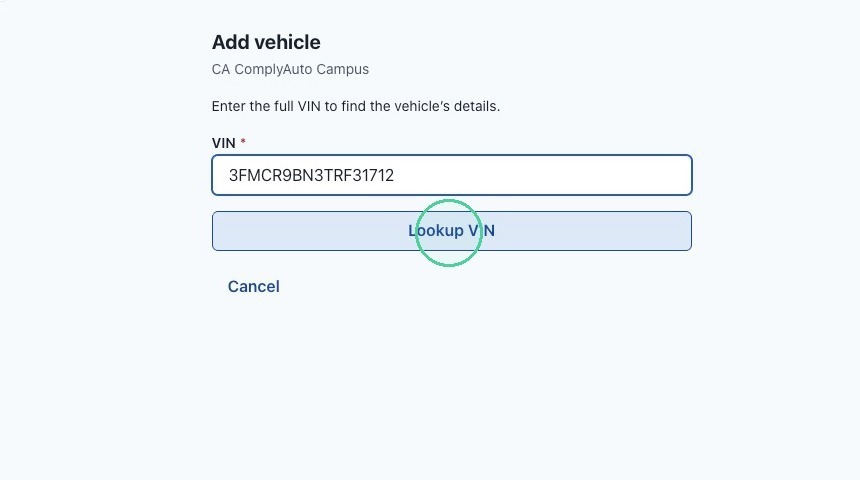
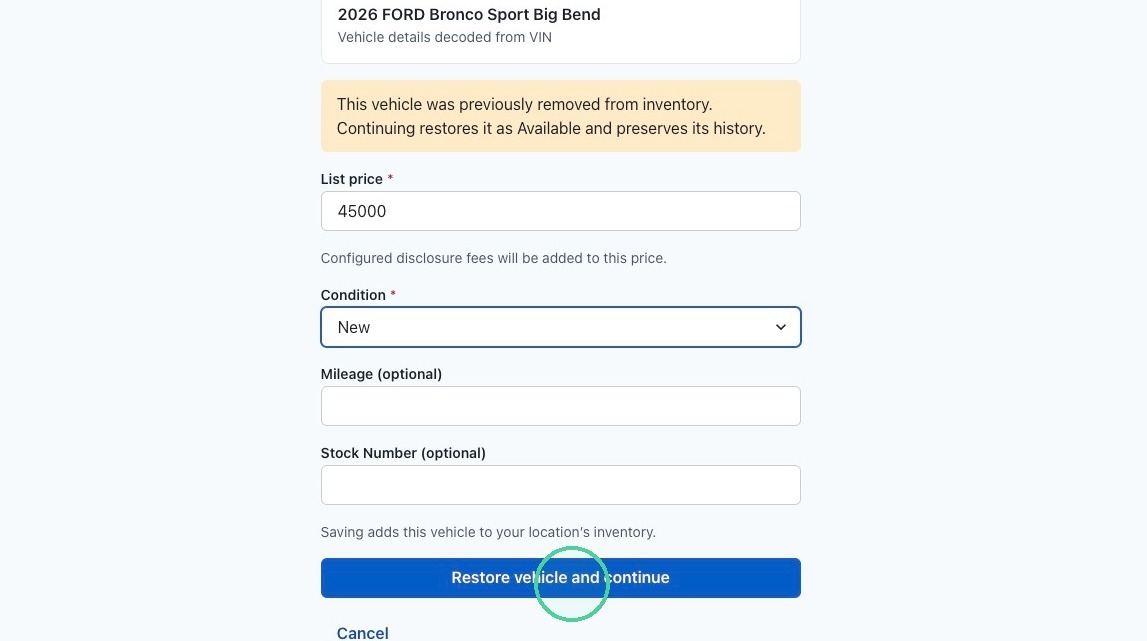
4. Input the following vehicle specific information:
- Type the total list price.
- Select New, Used, or Certified Pre-Owned from the drop-down list.
- Add the mileage and stock number if you would like.
Click "Restore Vehicle and Continue."
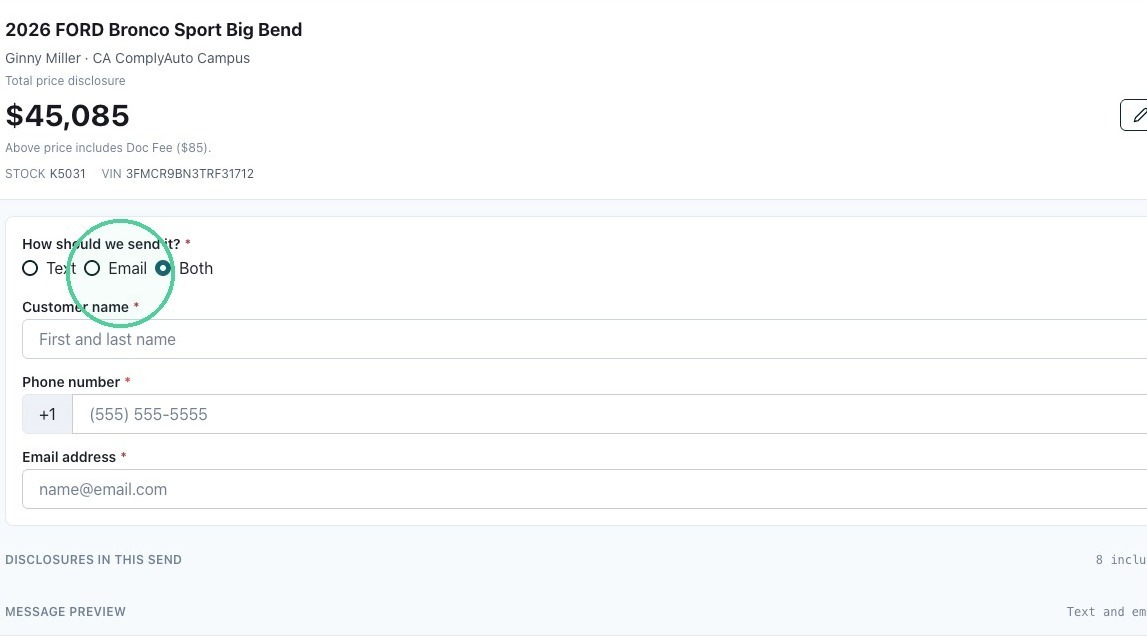
5. At the top, the vehicle information is automatically added. Select the delivery option: text, email, or both. Then add the customer's details.
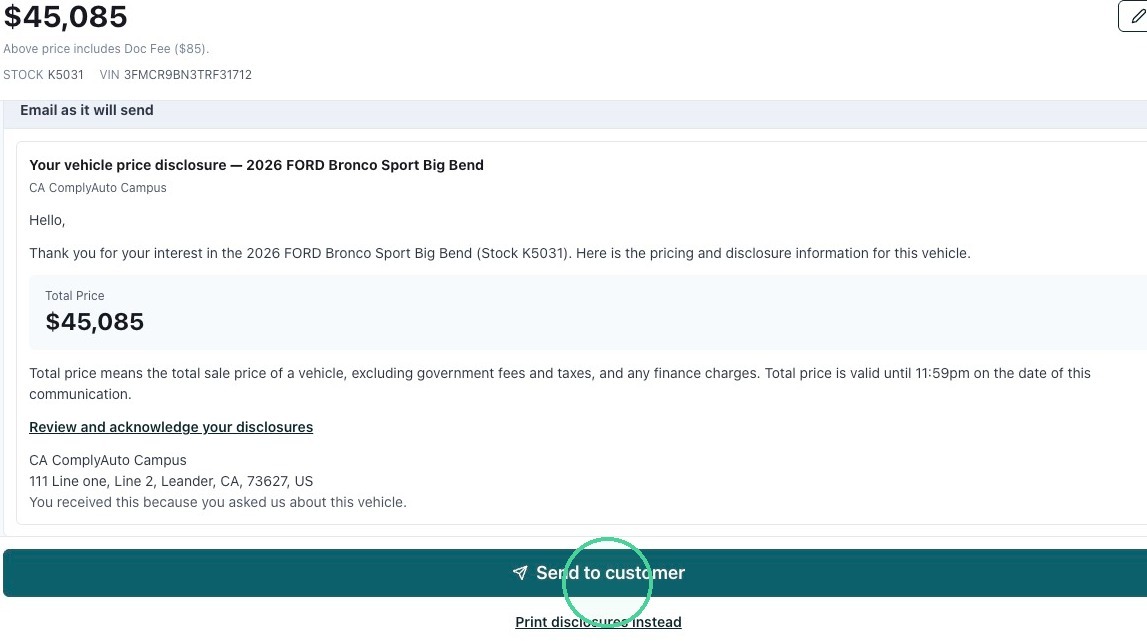
6. Click "Send to customer." This is what the customer will see.